
3D Model Viewer demo
Lighting and camera
A glass lamp in the Classic light, a little brighter, with a deep shadow and a set starting angle, on a dark background.
In this demo
The settings it uses
Light style: Classic
Brightness: 1.3
Shadow: 1.6
Starting angle: 30deg 70deg 110%
Try it yourself
Make one like it
- Add a 3D Model Viewer block and upload a model.
- On the Style tab, set Light style, Brightness and Shadow.
- Write a Starting angle, for example 30deg 70deg 110%.
More demos
All 3D Model Viewer demos
Each one shows a different set of options, free and Pro.
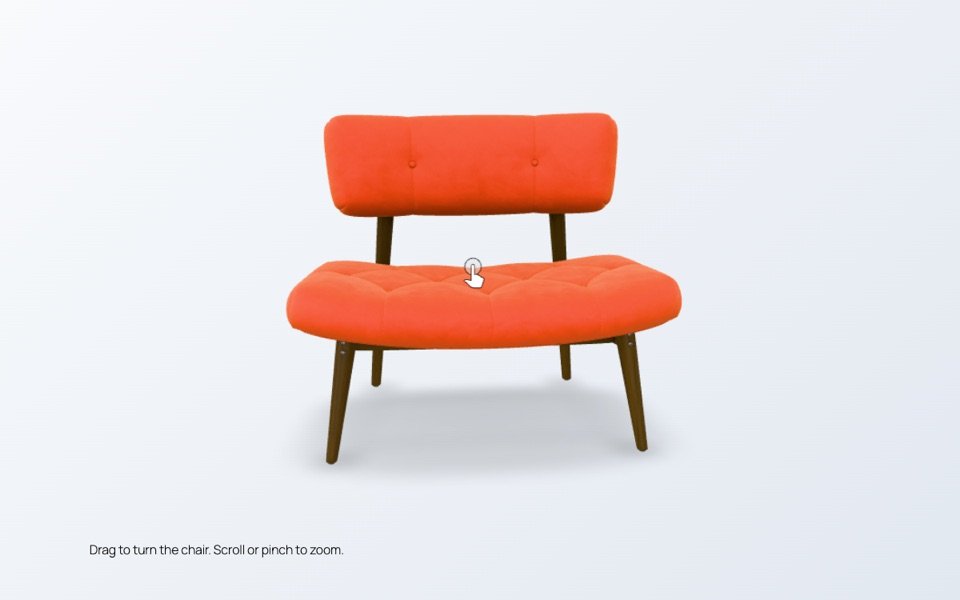
Rotate and zoom
An armchair visitors can turn with the mouse or a finger and zoom into, to see the fabric up close.
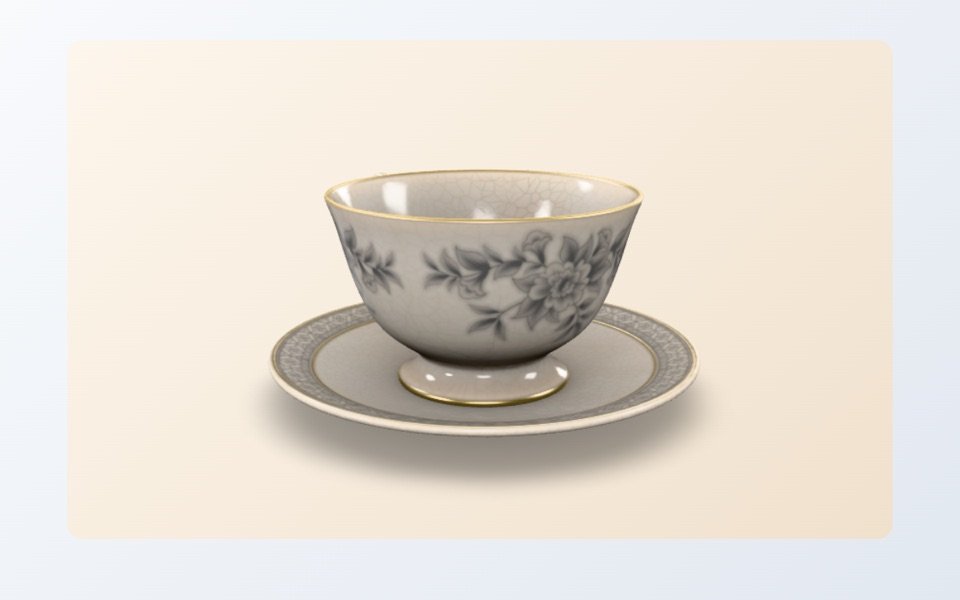
Turning showcase
A teacup that turns slowly on its own on a warm background, like a product on a turntable.

View in your room
A sofa with a button that places it in the visitor’s own room on phones and tablets with augmented reality.
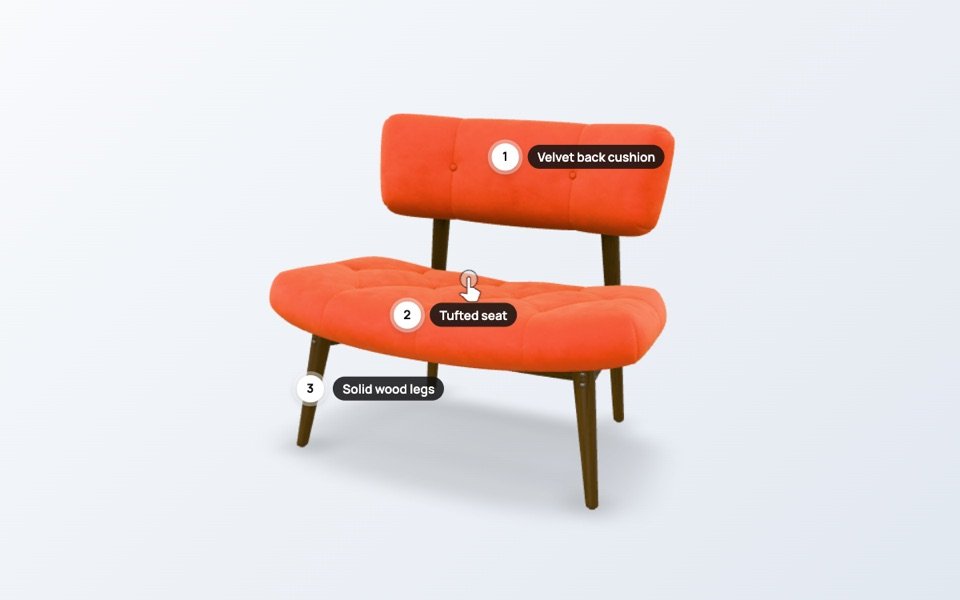
Hotspots
Points on the armchair that name each material. Click a point to read more about it.