
Ready-Made Template demo
Portfolio with filter buttons
A masonry gallery with filter buttons. Click a picture to see it large; the arrow keys move through the gallery.
Selected work
Projects we are proud of
In this demo
The settings it uses
Template: Portfolio – Masonry with filter
Show filter buttons: on
Style: Masonry
Lightbox on click
Try it yourself
Make one like it
- Insert the template from the Gallery & Portfolio category.
- Under Items, click Add images and give each a Filter tag.
- Turn on Show filter buttons.
More demos
All Ready-Made Template demos
Each one shows a different set of options, free and Pro.
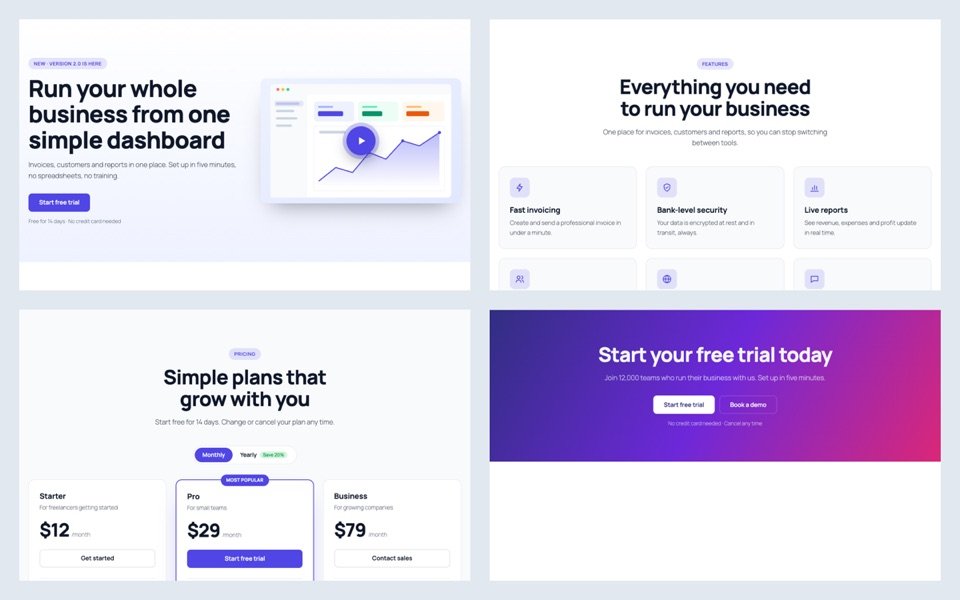
A whole SaaS page in one click
The SaaS / Startup page kit: nine matching sections, from the video hero to the free-trial banner, inserted at once.
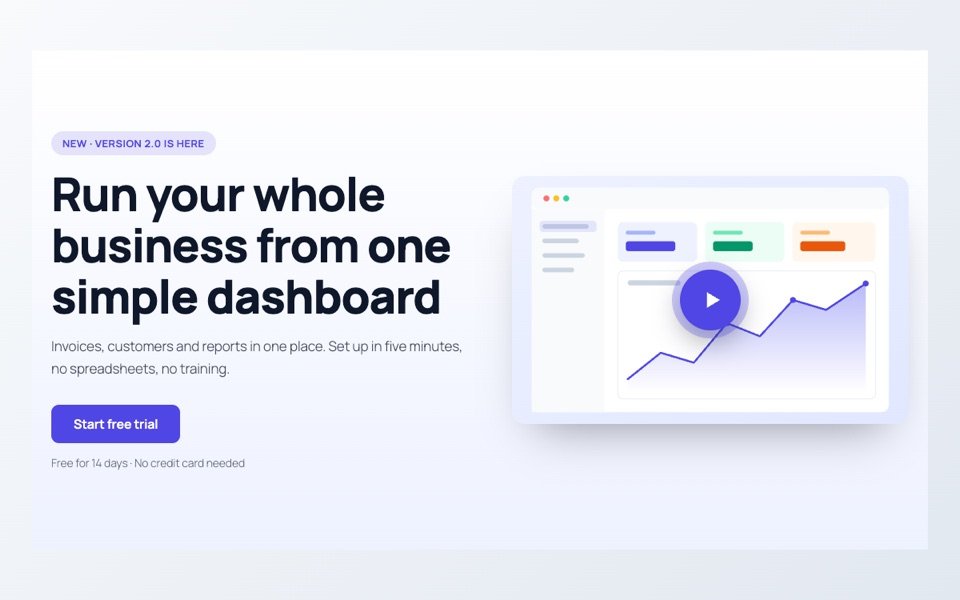
Hero with a video popup
A product hero with a play button on the screenshot. The video opens in a popup and loads from YouTube only when pressed.
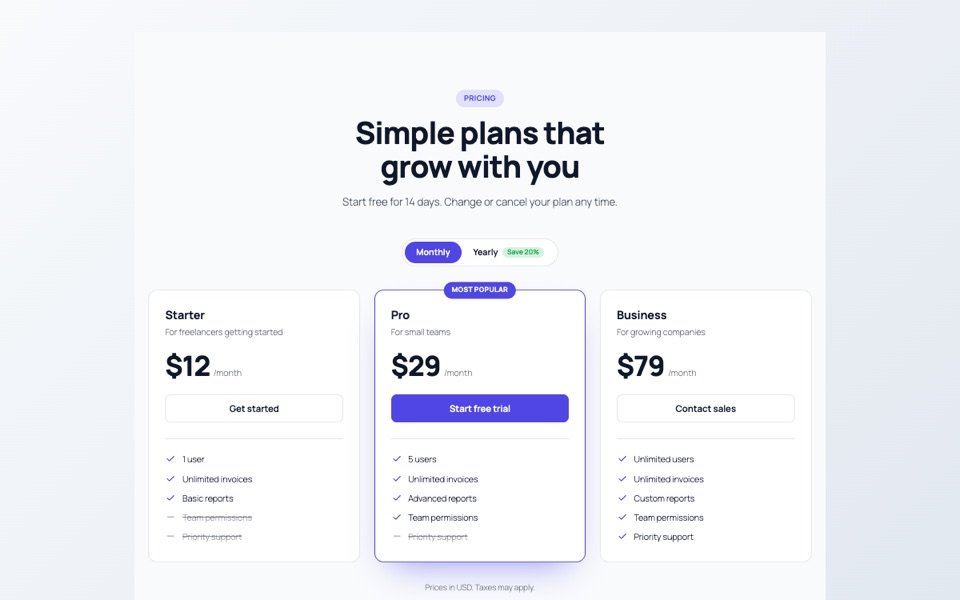
Pricing with a yearly switch
Three plans with a highlighted middle plan and a Monthly / Yearly switch that changes every price at once.
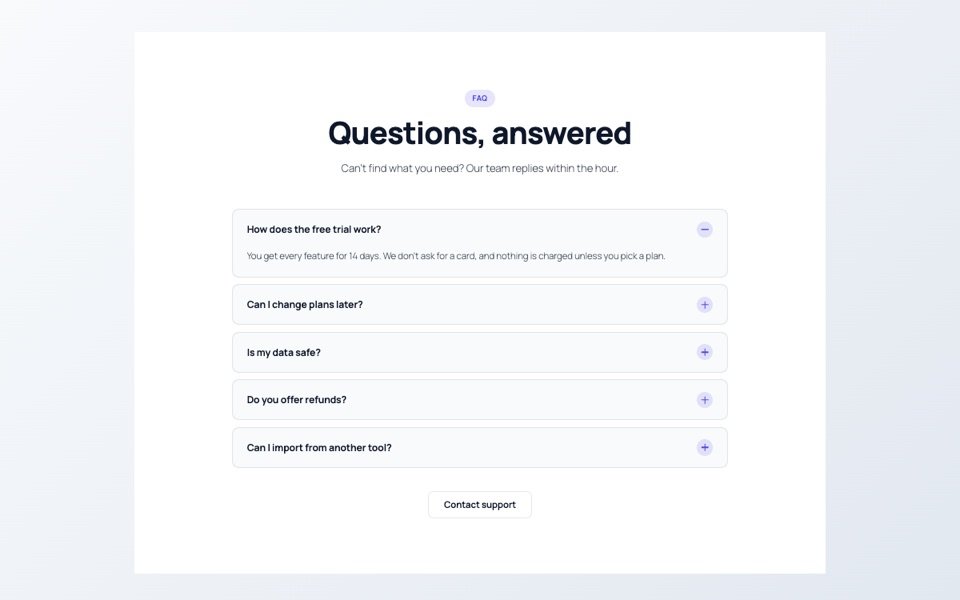
FAQ accordion
Questions that open one at a time, with the first answer open when the page loads.
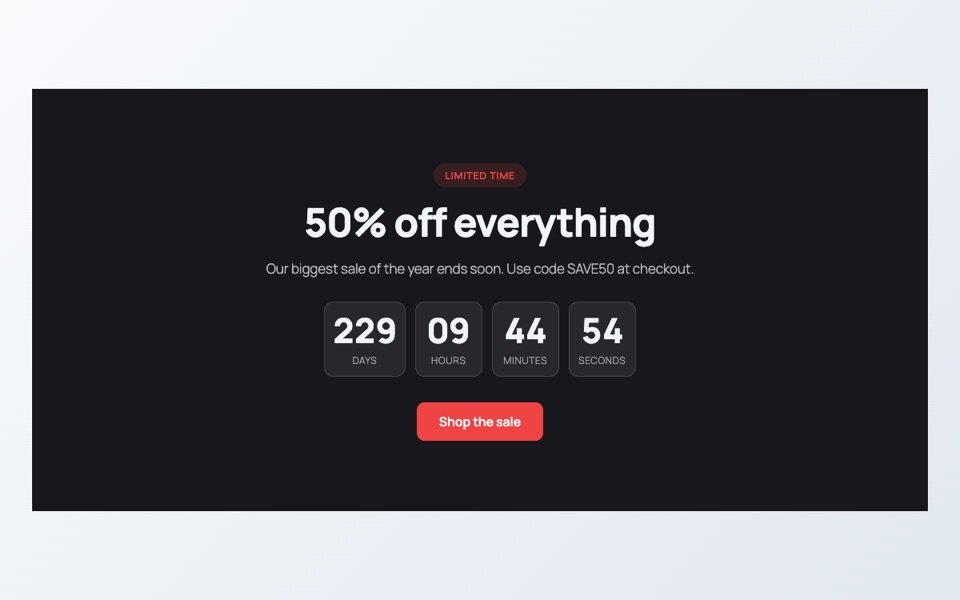
Sale with a countdown
A sale banner with a timer that counts down to the end date in the site’s time zone, then hides itself.
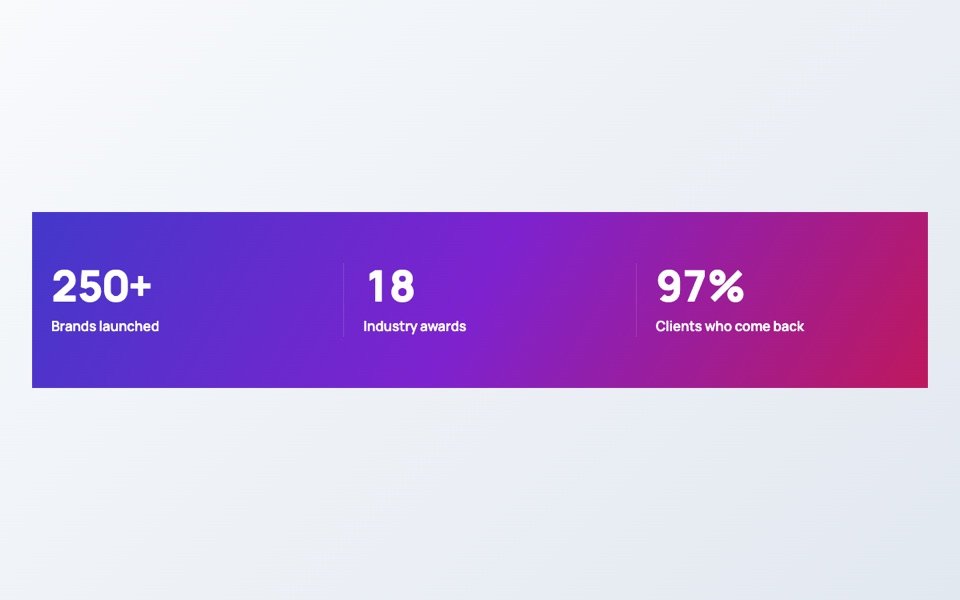
Numbers that count up
Four numbers on a gradient band that count up when they scroll into view.