
Virtual Tour demo
Your colors
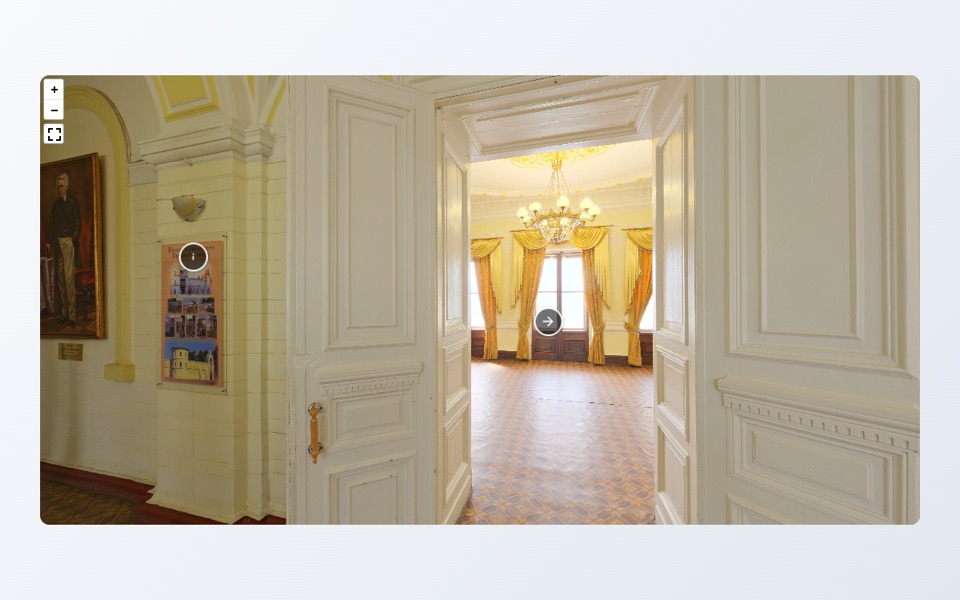
Hotspots, the current room and the button in your brand color, with bigger hotspots and no zoom buttons.

- Entrance hall
- Guest room
- Lounge
- Kitchen
In this demo
The settings it uses
Hotspot color: rose
Hotspot size: 48px
Current scene and button: rose
Zoom buttons: off
Try it yourself
Make one like it
- Add a Virtual Tour block and choose your 360° photos.
- Under Style, pick the Hotspots color and the Current scene and button color.
- Set the Hotspot size, and turn off Zoom buttons under Viewer.
More demos
All Virtual Tour demos
Each one shows a different set of options, free and Pro.
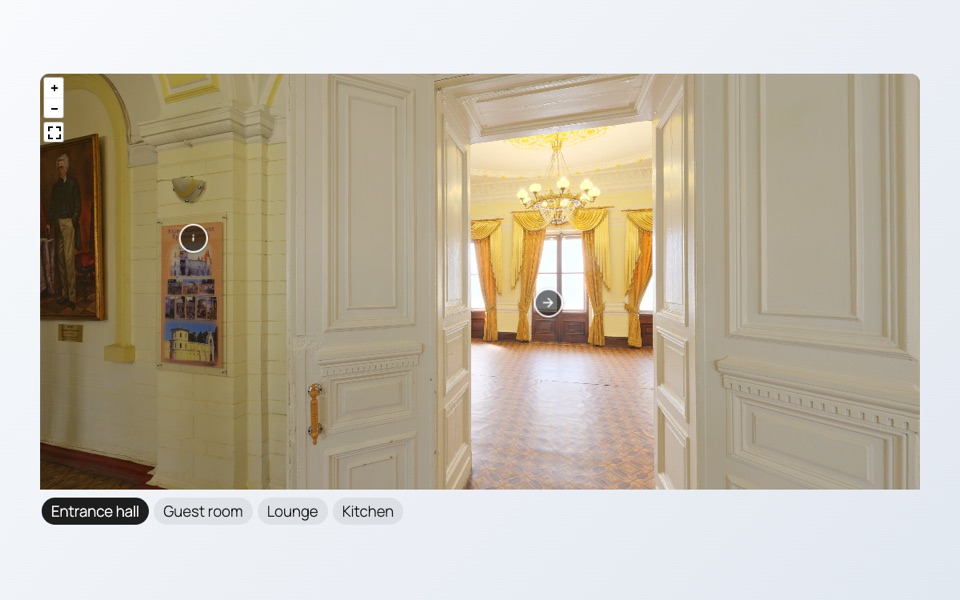
Guesthouse tour
Walk through a small guesthouse: four rooms, arrows from room to room, notes with a picture and a link, and the room names under the panorama.
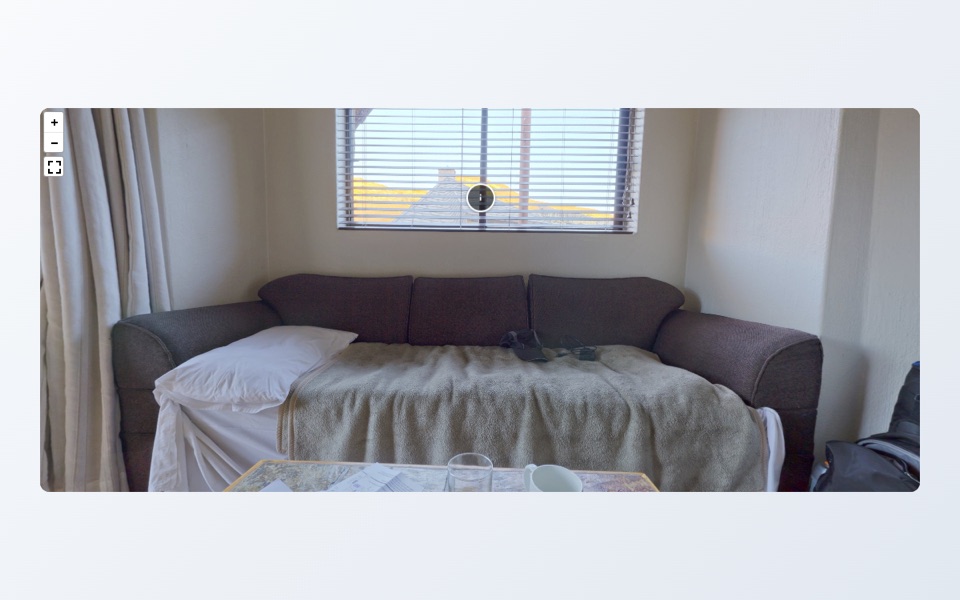
Rotates on its own
One 360° photo that turns slowly by itself until the visitor drags it, like a window display.
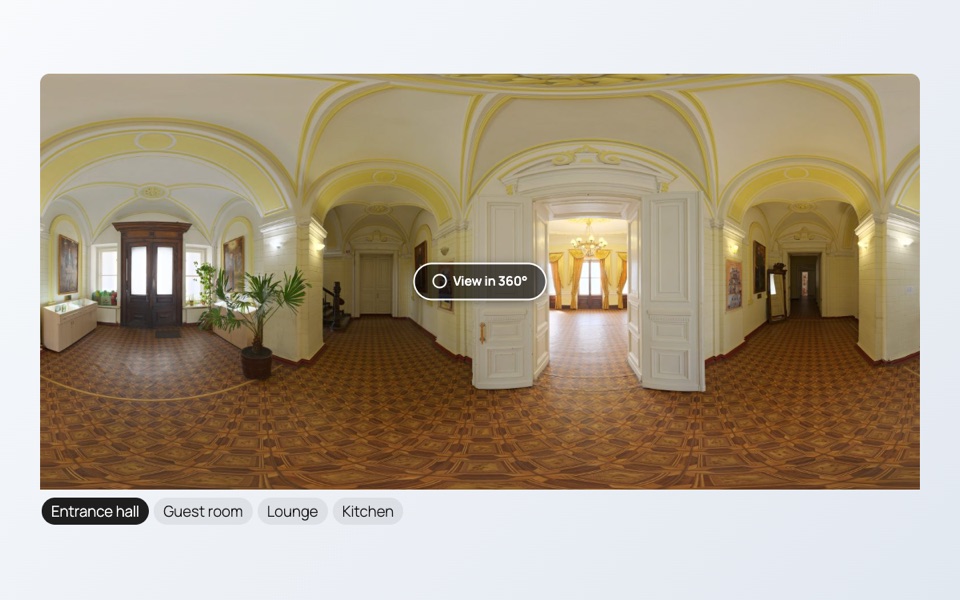
Load on click
The page shows the first room as a picture with a View in 360° button. The viewer and the panoramas load only when it is pressed.
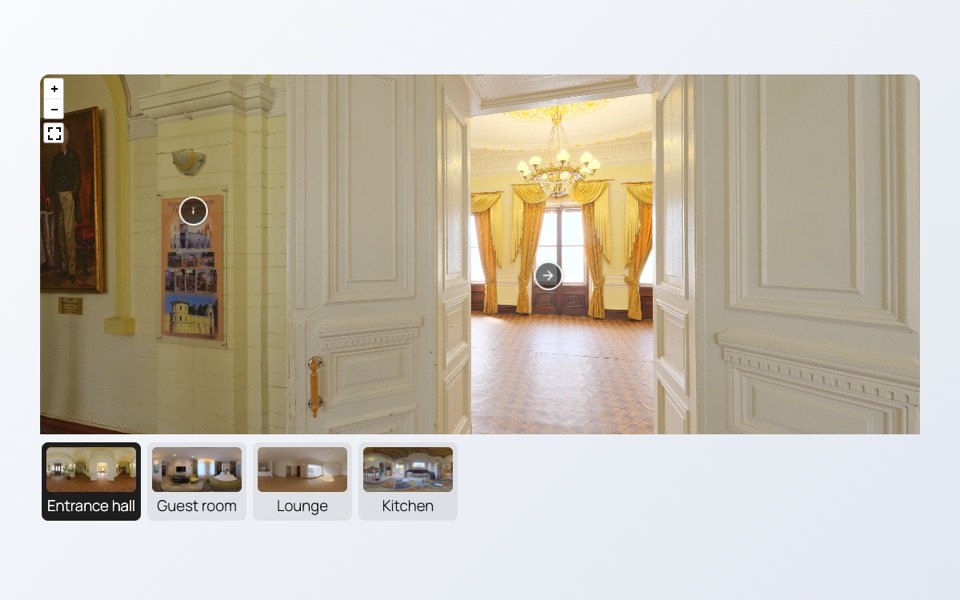
Scene pictures
Small pictures of the rooms under the panorama instead of their names, so visitors see where they are going.
Full width
The tour across the whole screen, with no scene list: the arrows lead the way from room to room.