
Document Viewer demo
Excel workbook
A workbook with three sheets, shown as tabs. Number and date formats, merged cells and links stay as they are, and the hidden sheet stays hidden.
In this demo
The settings it uses
File: an .xlsx with three sheets
Sheet shown first: Orders
First row is a header: on
Fixed height: 560px
Try it yourself
Make one like it
- Add a Document Viewer block and upload an Excel file.
- Under Spreadsheet, pick the Sheet shown first.
- Turn on Fixed height and set Height (px) to 560.
More demos
All Document Viewer demos
Each one shows a different set of options, free and Pro.
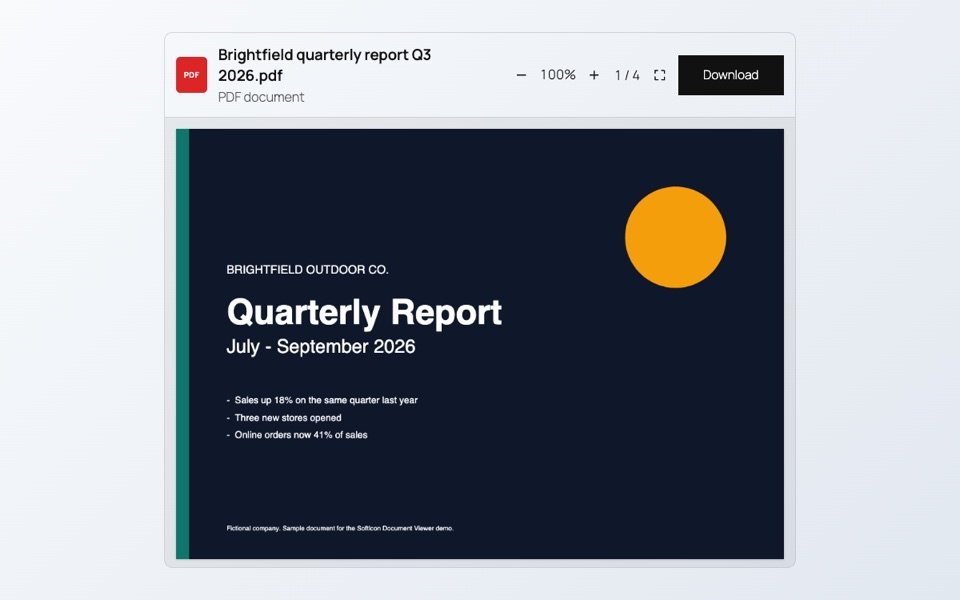
PDF report
A four-page quarterly report with a chart and a table. Scroll through it, zoom in or open it full screen.

Word handbook
A Word document shown as it looks in Word: headings, lists, tables, a picture, header and footer. No plugin or Office needed.
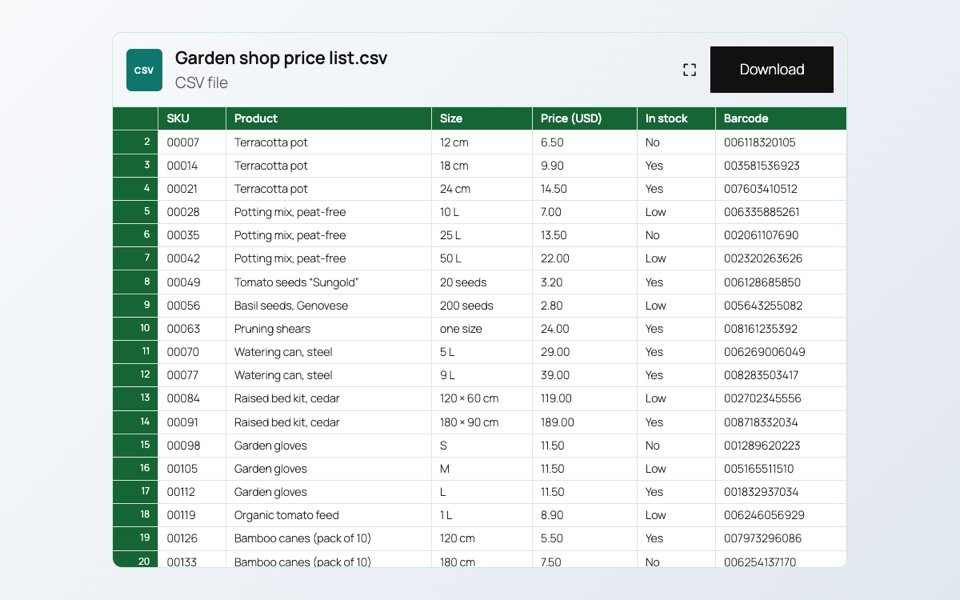
CSV price list
A plain CSV file shown as a table, with a colored header. Codes with leading zeros keep their zeros.

Part of a sheet
Only the cells you choose from one sheet: here the parcel rates table, without the notes around it. The download button is off.
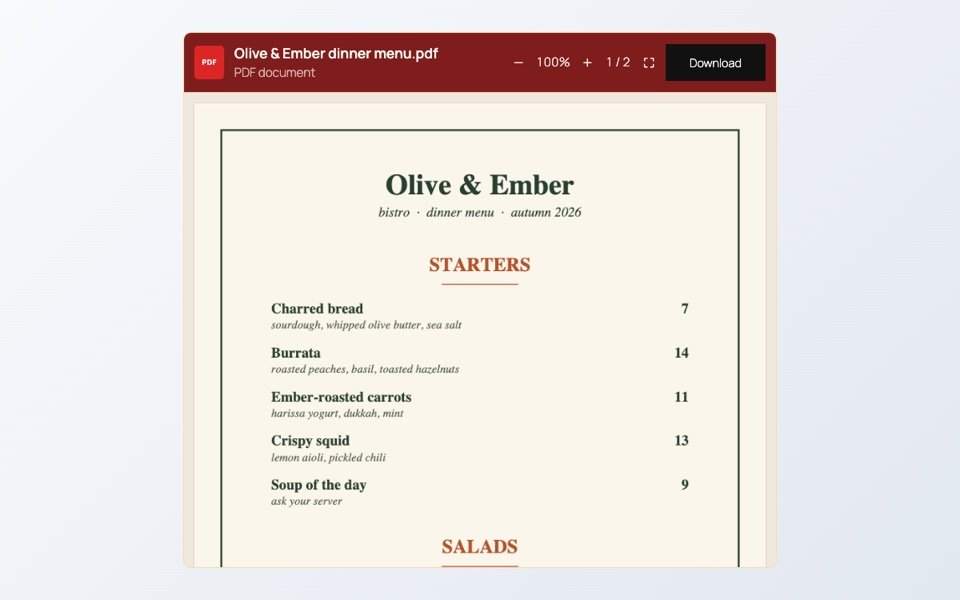
Branded menu
A restaurant menu as a PDF, with the toolbar and frame in the bistro’s own colors.