
Flipbook demo
Hotspots
Clickable areas on a page, each with a glowing dot. Hover a lamp on page 3 to see its name and price.
In this demo
The settings it uses
Four hotspots on page 3
Each one: a label and a link
Opens at page 3
On a WooCommerce shop a spot can open a product card
Try it yourself
Make one like it
- Install SoftIcon Flipbook Pro and activate your license.
- Add the Flipbook block to a page and pick a PDF.
- Set the options above in the block’s settings on the right.
More demos
All Flipbook demos
Each one shows a different set of options, free and Pro.
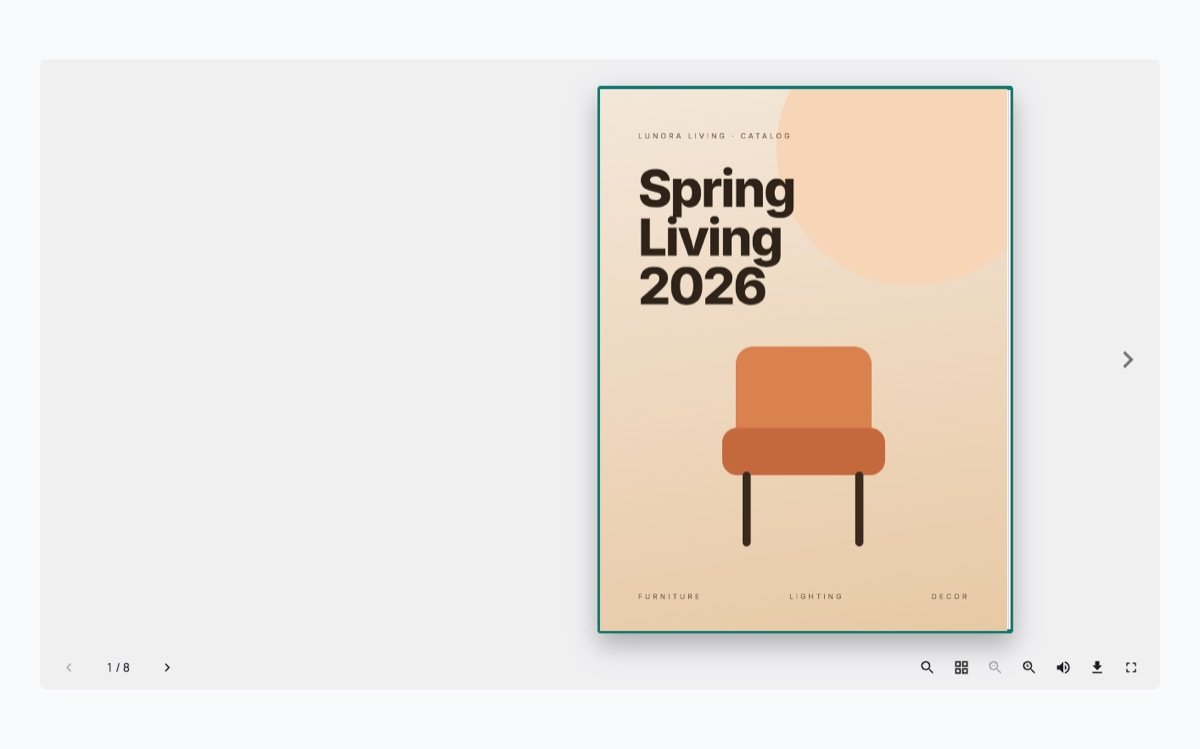
Hardcover catalog
A product catalog as a real hardcover book, with a solid cover, page edges, a shadow at the spine and big side arrows.
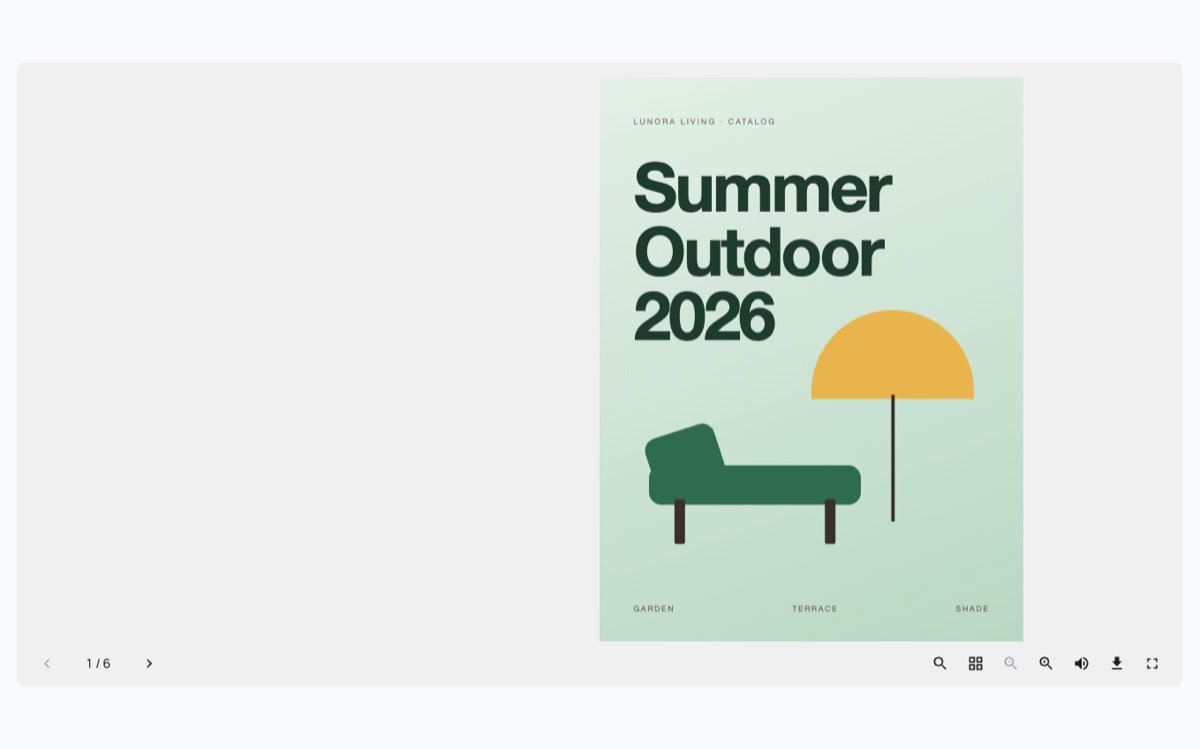
Classic brochure
The Classic design: light pages that curl as they turn, for brochures, guides and reports.
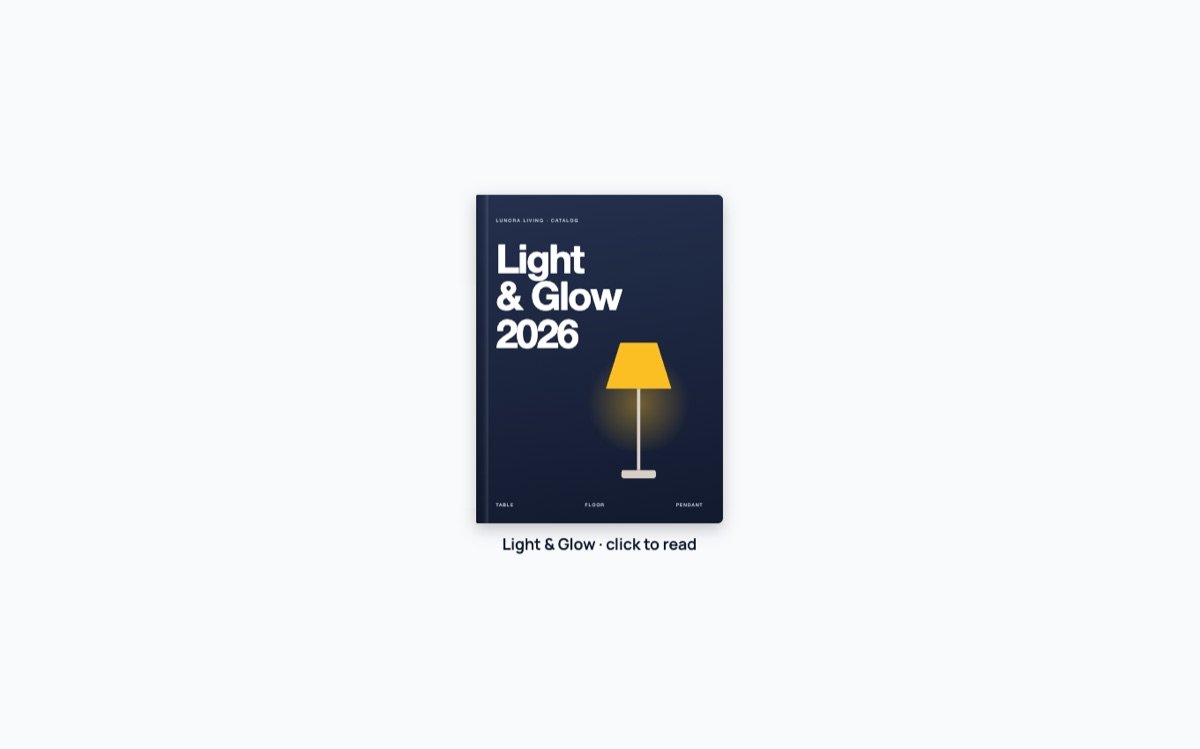
Popup from the cover
The page shows only the cover. A click opens the whole book in a popup, so it takes almost no room.
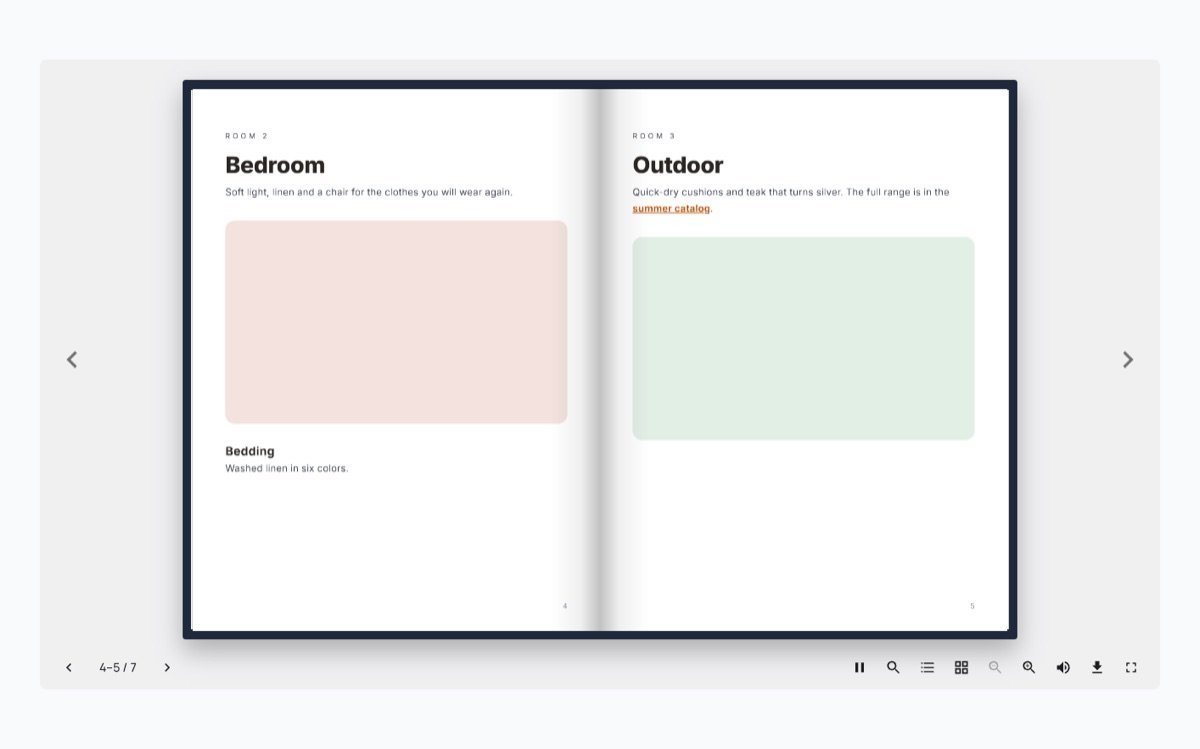
Autoplay slideshow
The pages turn by themselves every few seconds, like a slideshow. It holds under the mouse and stops when you take over.
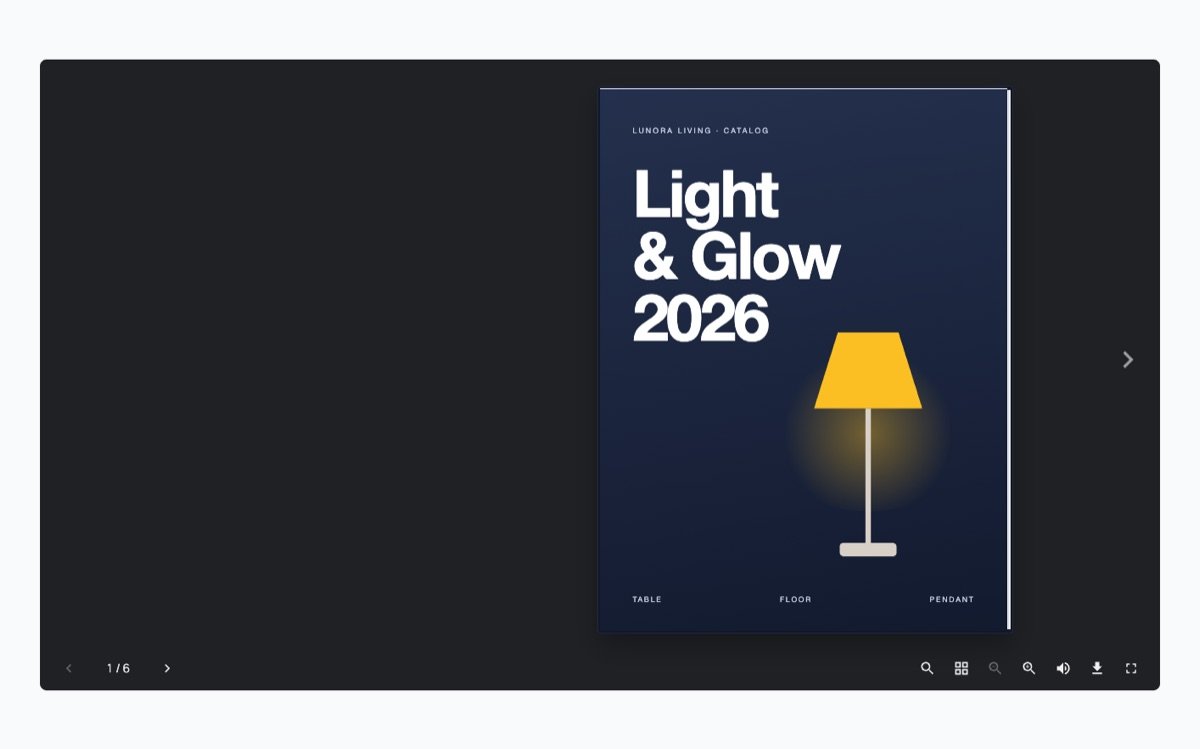
Dark theme
A dark toolbar and background that sit well on dark websites and night-mode pages.
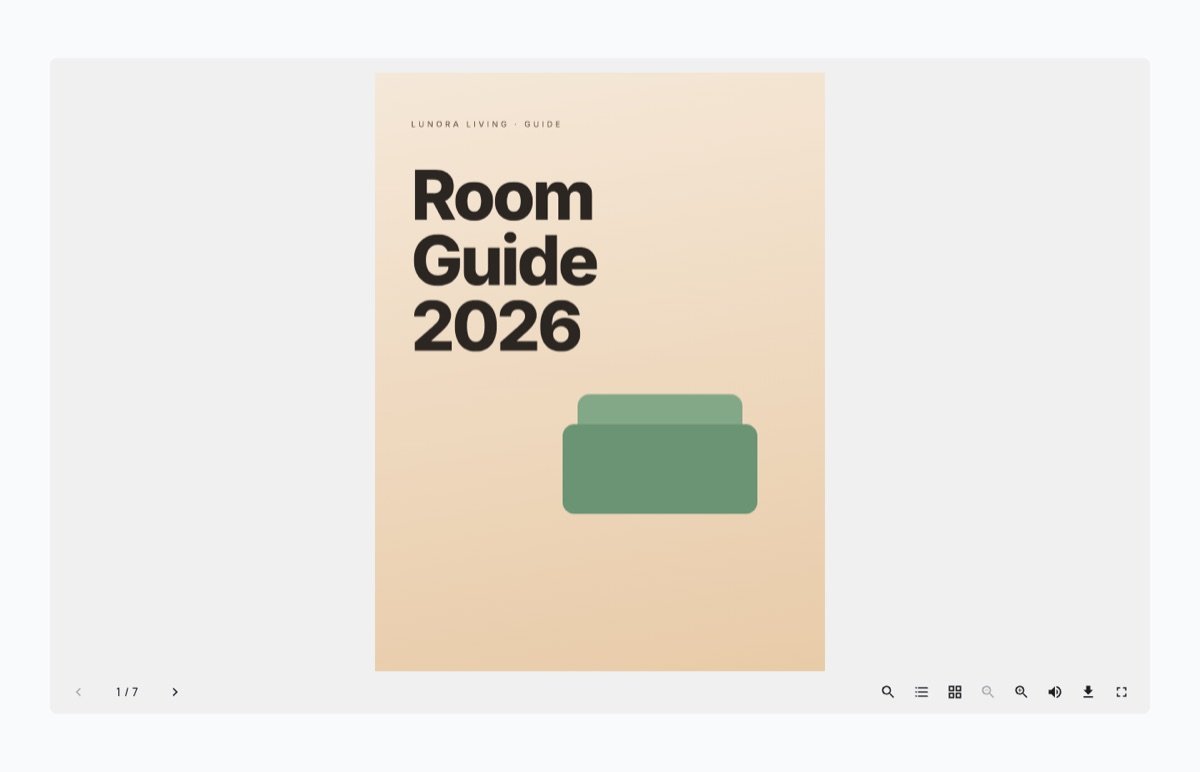
One page at a time
A single page even on wide screens, which suits tall documents and step-by-step guides.
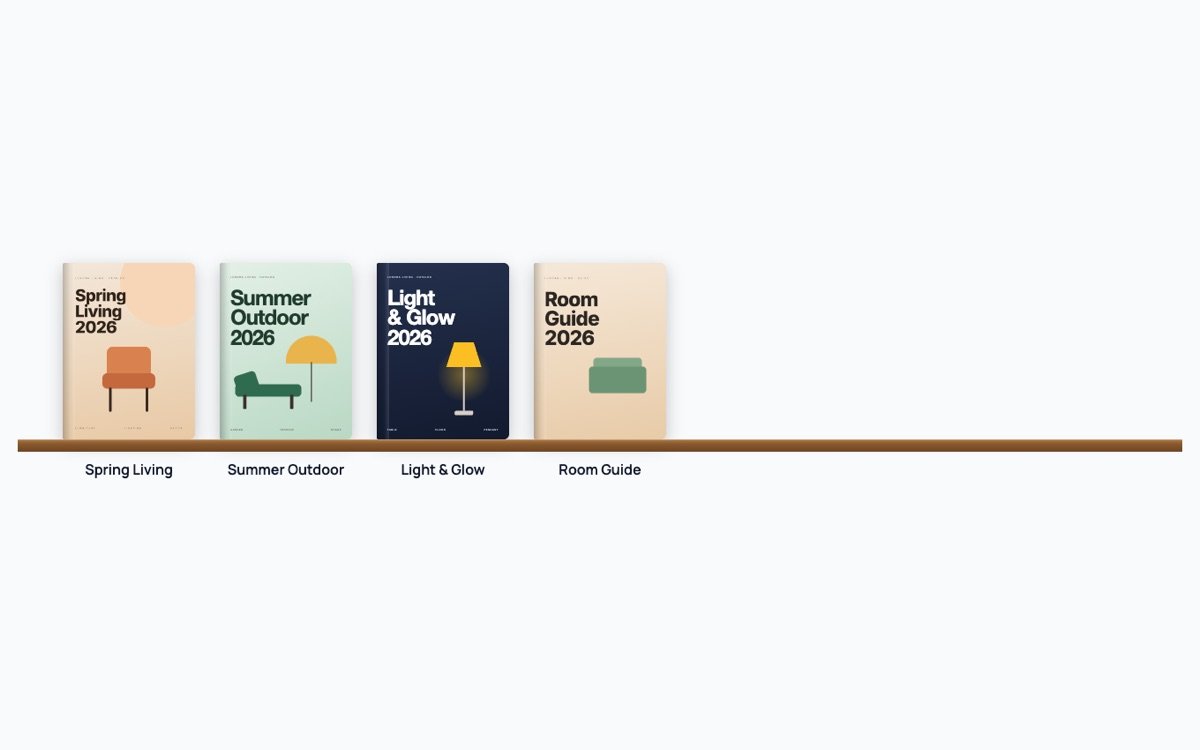
Shelf of books
One Flipbook block, four books on a wooden shelf. A click on a cover opens that book in a popup.
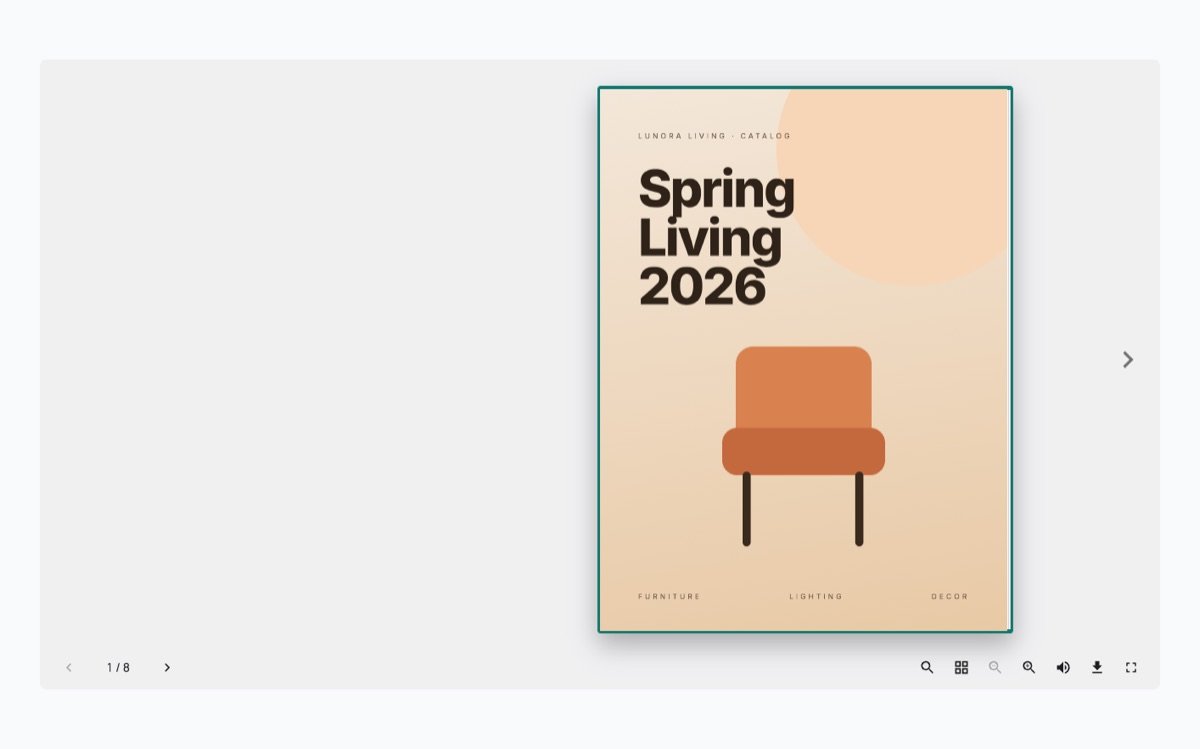
Lead capture
Readers see the first two pages, then leave their name and email to read on. Leads are saved on the site and emailed to the owner.
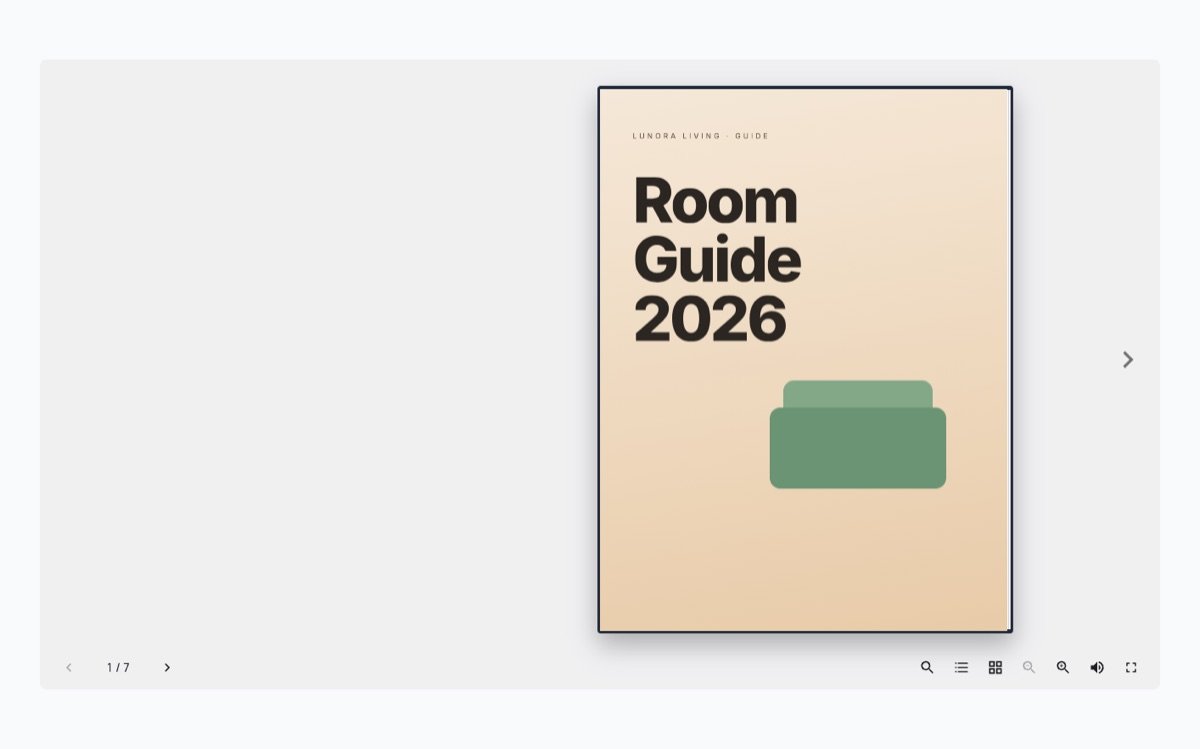
Protected PDF
No download button and no right-click saving, and the PDF’s address is kept out of the page.
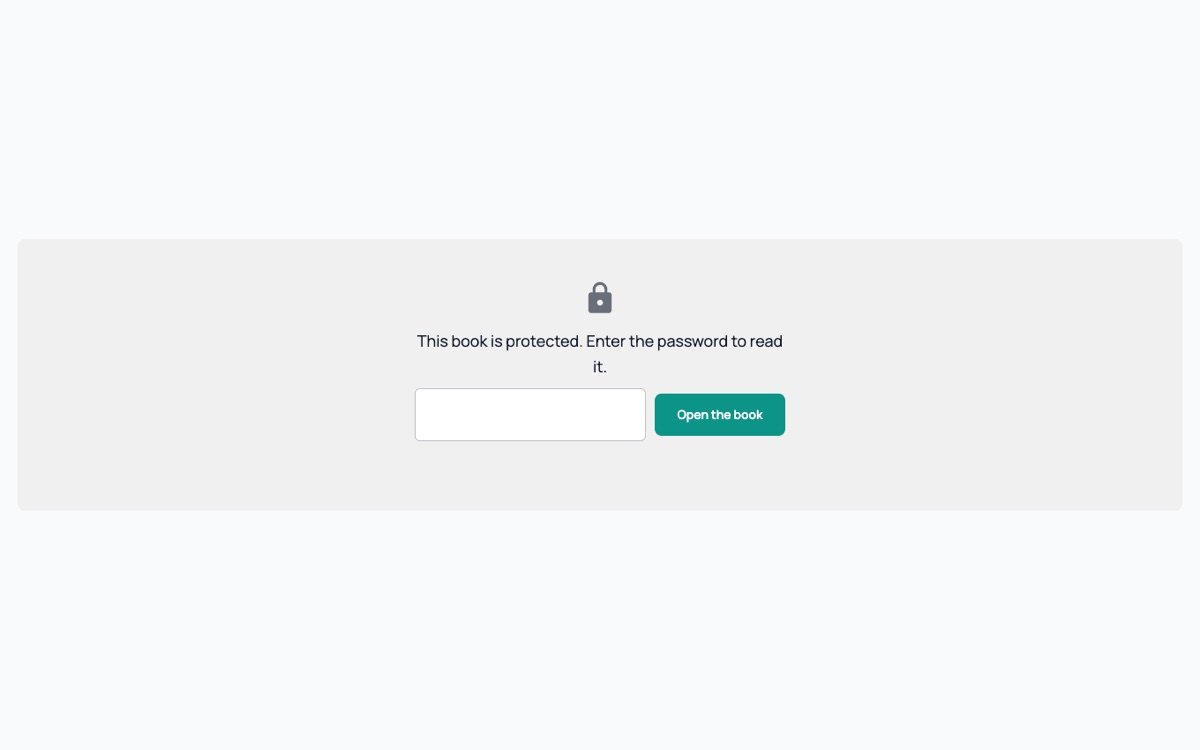
Password
Readers type a password to open the book; it is checked on the server and never put in the page. The password here is demo.
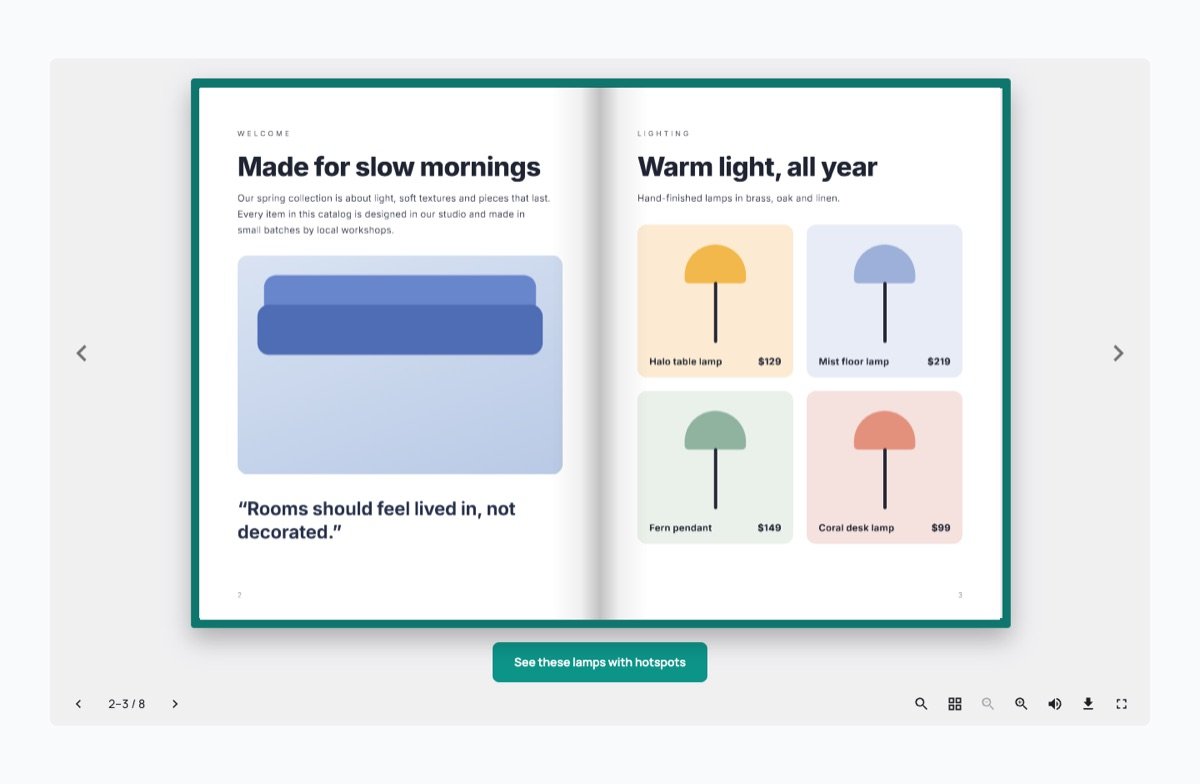
Page buttons
A button under the book while a chosen page is open: here on the lamps page and on the last page.
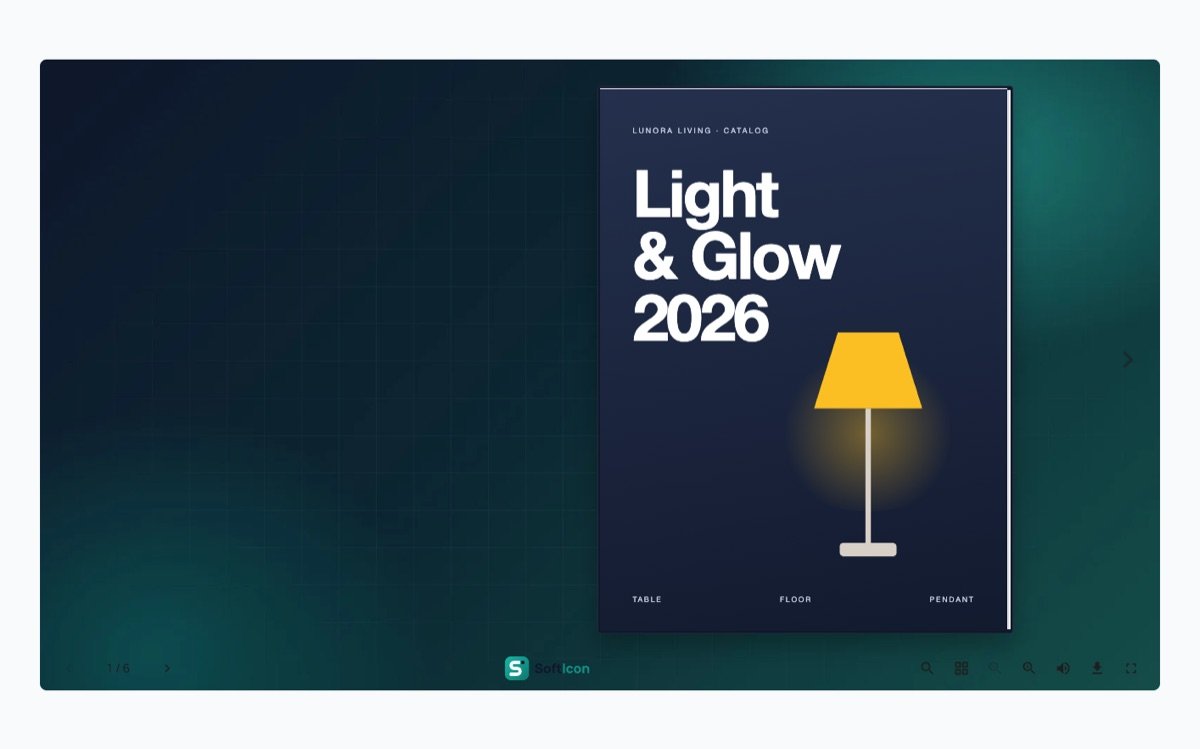
Branding
Your logo in the toolbar, linked to your site, and your own picture behind the book.
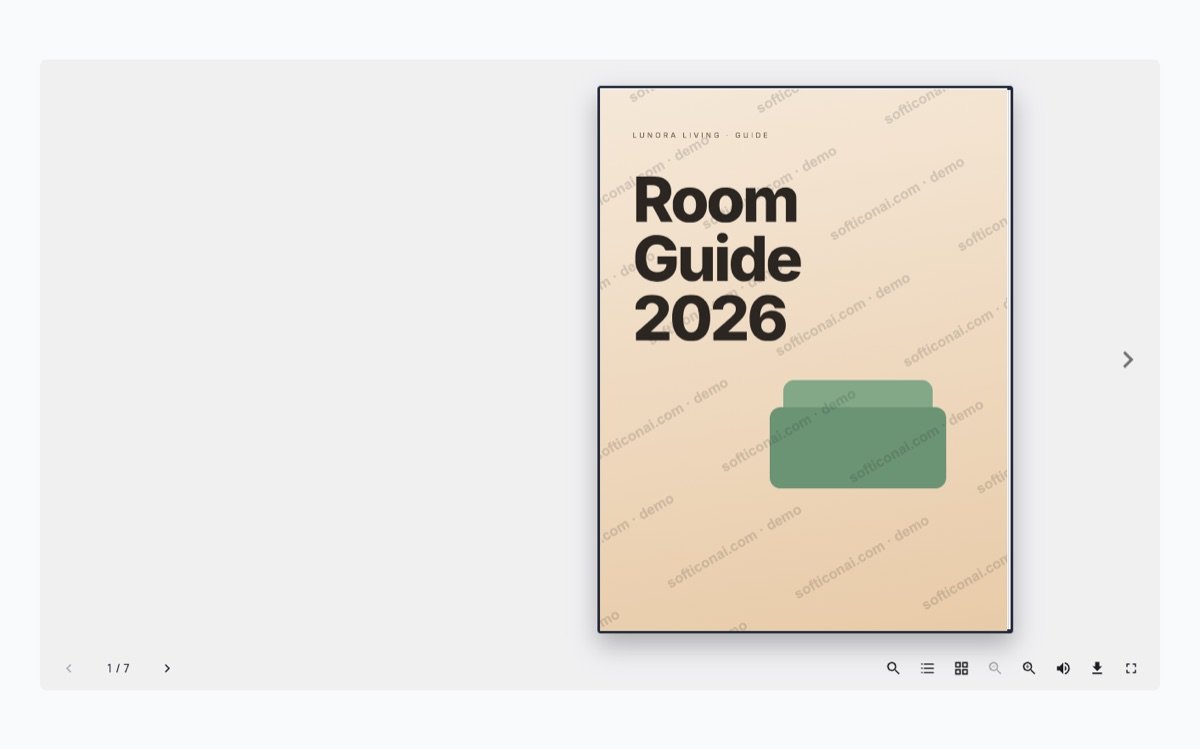
Watermark
Your words drawn into every page, also when the book is printed.