
Poll demo
Answers with pictures
Each answer is a picture with a caption, so visitors choose what they see.
-
 Big banner and cards
-
 Article with a sidebar
-
 One clean column
In this demo
The settings it uses
Three answers, each with an image
Alt text from the Media Library
Show results: After voting
Try it yourself
Make one like it
- Add a Poll block.
- Click Add image next to each answer and pick a picture.
- Write a short caption for each answer.
More demos
All Poll demos
Each one shows a different set of options, free and Pro.

Yes / No feedback
A one-click question under an article. Each visitor votes once, then sees how others answered.
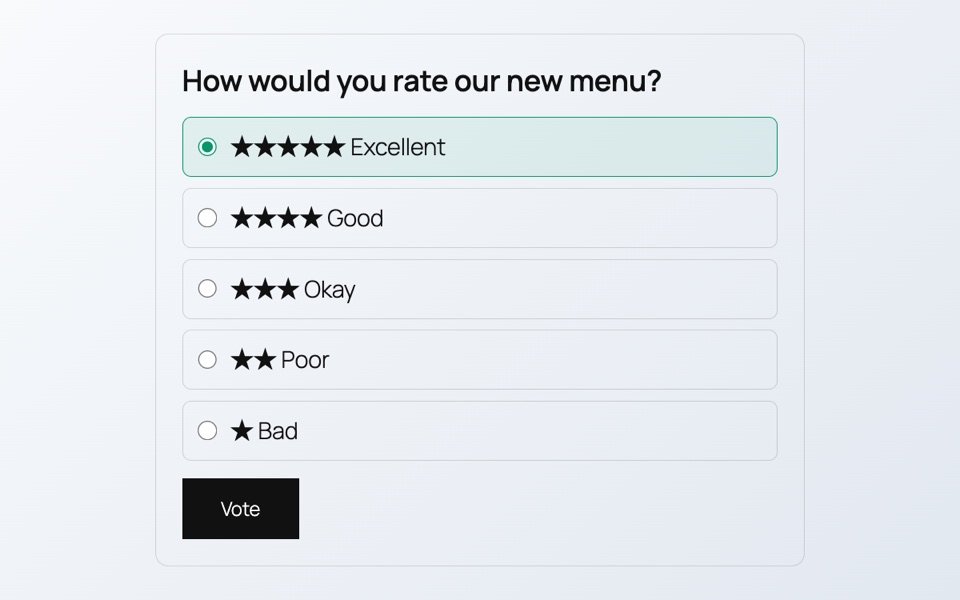
Star rating
Visitors rate something from one to five stars. The answers are words too, so screen readers can read them.

Pick up to three
A poll where visitors tick more than one answer, up to a limit you set.

Results before voting
The results are on show from the start, as percentages, so visitors see the trend before they vote.

Results when the poll closes
Votes are open until a set date. The results stay hidden until then, so early votes do not sway later ones.
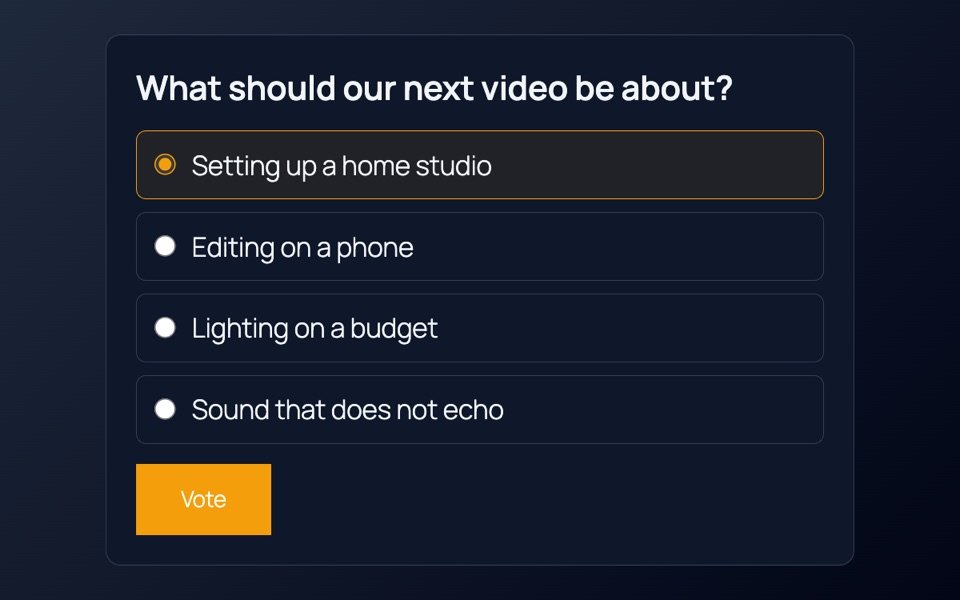
Dark and wide
A wide poll with dark colors and a bright accent, for dark pages and banners.