
Document Viewer demo
Word handbook
A Word document shown as it looks in Word: headings, lists, tables, a picture, header and footer. No plugin or Office needed.
In this demo
The settings it uses
File: a .docx
Fixed height: 640px
Download button: on
Try it yourself
Make one like it
- Add a Document Viewer block.
- Upload a Word file (.docx).
- Turn on Fixed height and set Height (px) to 640.
More demos
All Document Viewer demos
Each one shows a different set of options, free and Pro.
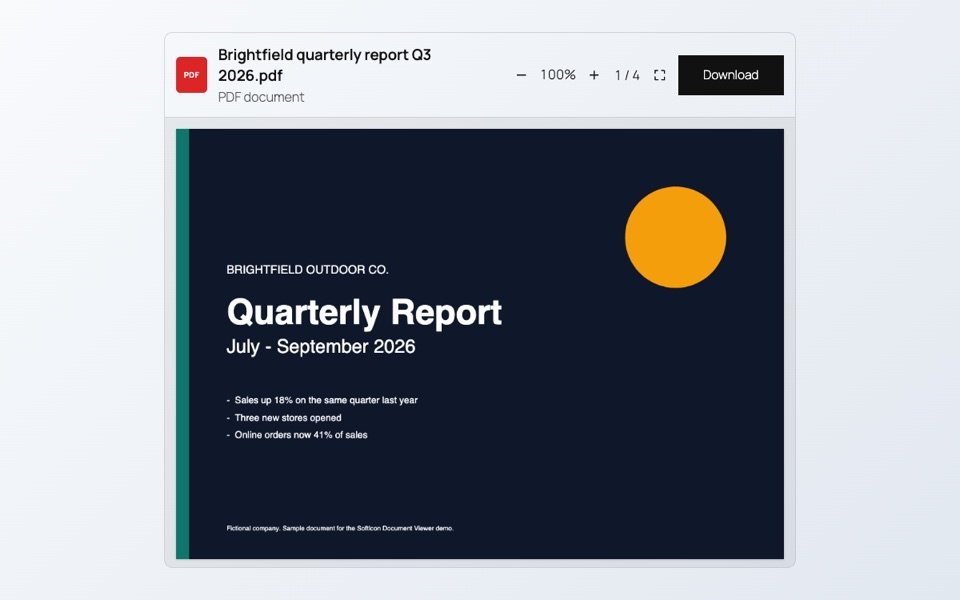
PDF report
A four-page quarterly report with a chart and a table. Scroll through it, zoom in or open it full screen.
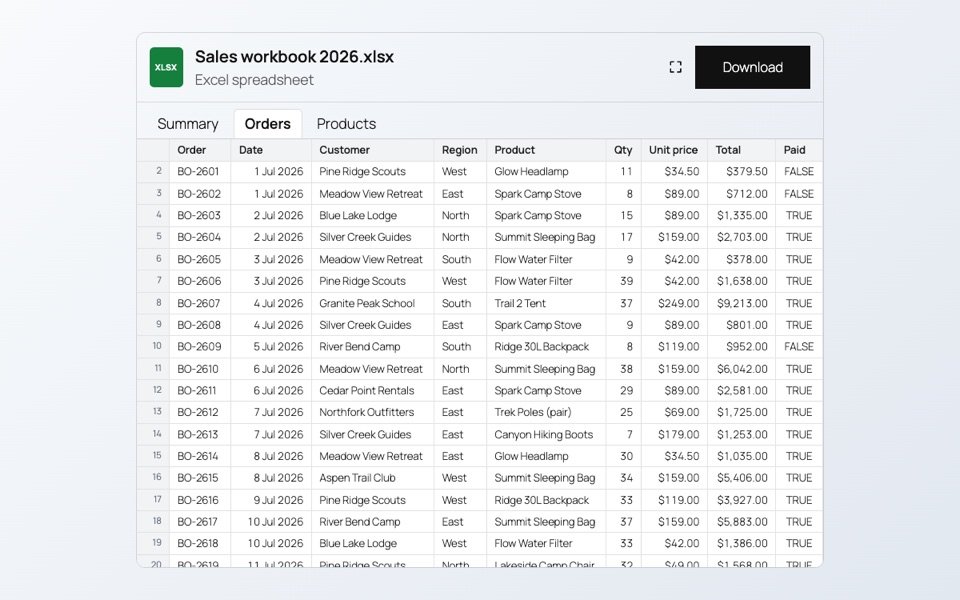
Excel workbook
A workbook with three sheets, shown as tabs. Number and date formats, merged cells and links stay as they are, and the hidden sheet stays hidden.
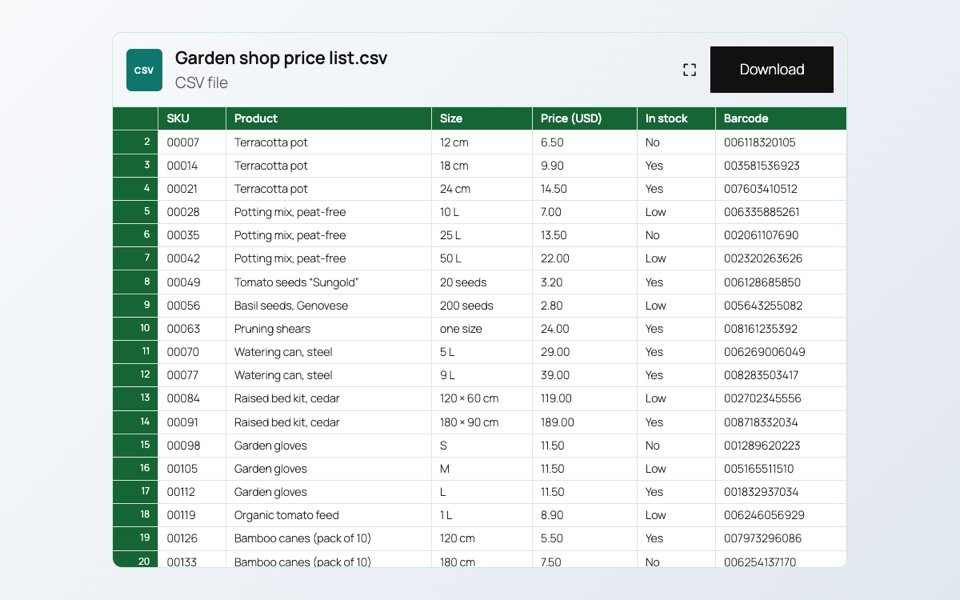
CSV price list
A plain CSV file shown as a table, with a colored header. Codes with leading zeros keep their zeros.

Part of a sheet
Only the cells you choose from one sheet: here the parcel rates table, without the notes around it. The download button is off.
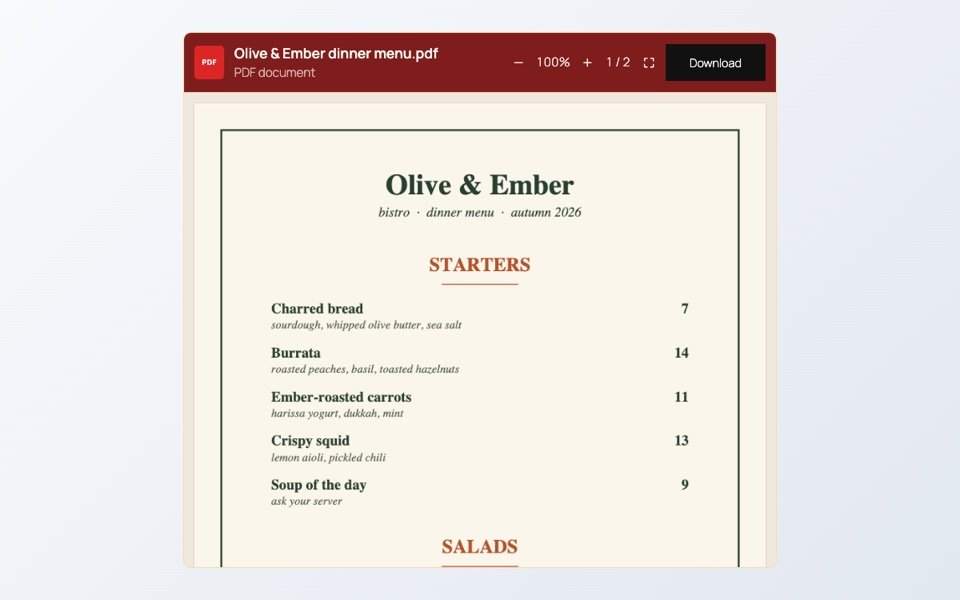
Branded menu
A restaurant menu as a PDF, with the toolbar and frame in the bistro’s own colors.