
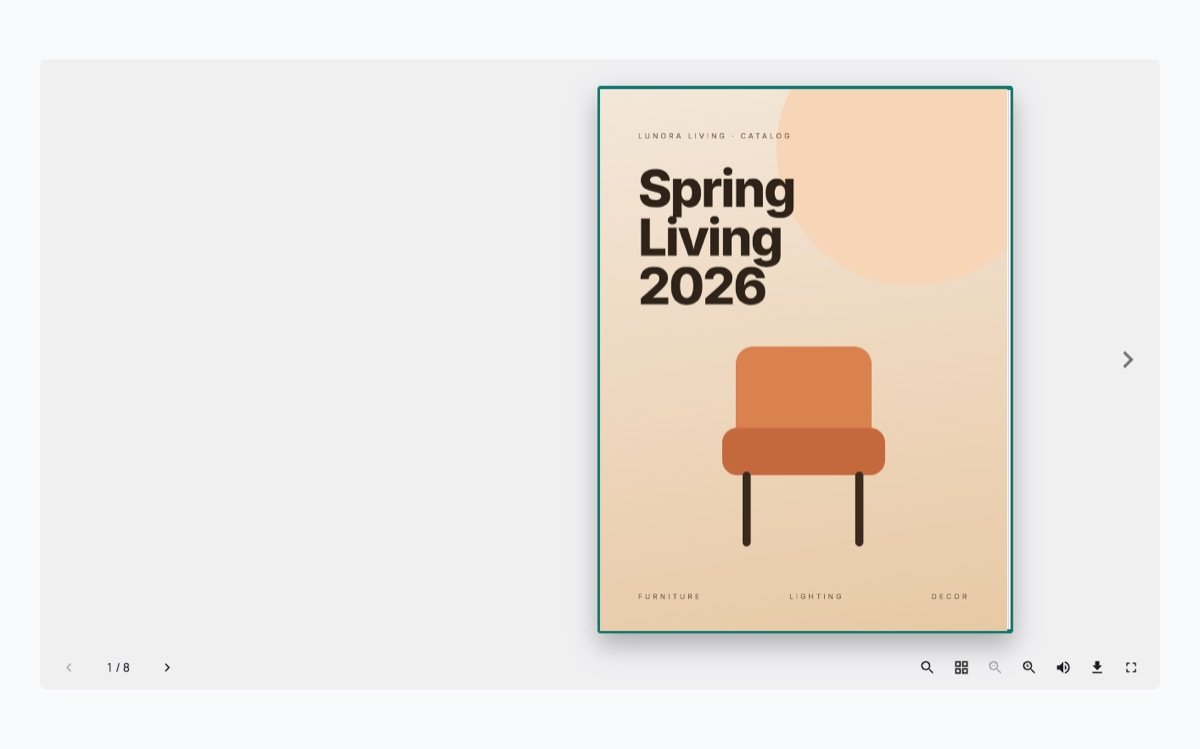
Most shops and restaurants put their catalog or menu online as a PDF link. Visitors click it, the file downloads or opens in a new tab, and many never come back to the site. A flipbook shows the same PDF as a book on the page, with pages that turn, so people stay where they are.
What you need
- The catalog as a PDF. The file you send to the printer is fine.
- WordPress with the block editor.
- The free SoftIcon Flipbook plugin.
Set it up
- Install SoftIcon Flipbook from Plugins → Add New and activate it.
- Edit the page and add the Flipbook block.
- Upload the PDF or pick it from the Media Library. The book shows in the editor right away.
- Pick a design: Classic for light, curling pages, or Hardcover for a solid cover with a spine.
- Publish the page.
A few choices that help
- Popup from the cover. Show only the cover on the page and open the book in a popup. It takes almost no room in a blog post.
- One page at a time. Tall documents and step-by-step guides read better as single pages.
- Height. Set the book height so the whole spread fits on a laptop screen without scrolling.
You can try each of these on the Flipbook demos page before you install anything.
Categories
Related Posts

Visitors should not need Office or a download to read a handbook or a price…
Read More
admin
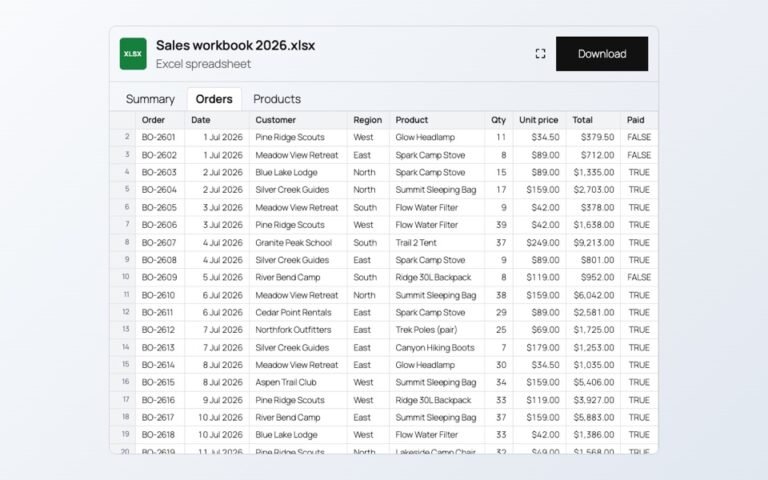
Changing prices one product at a time is slow. In a spreadsheet you can paste…
Read More
admin
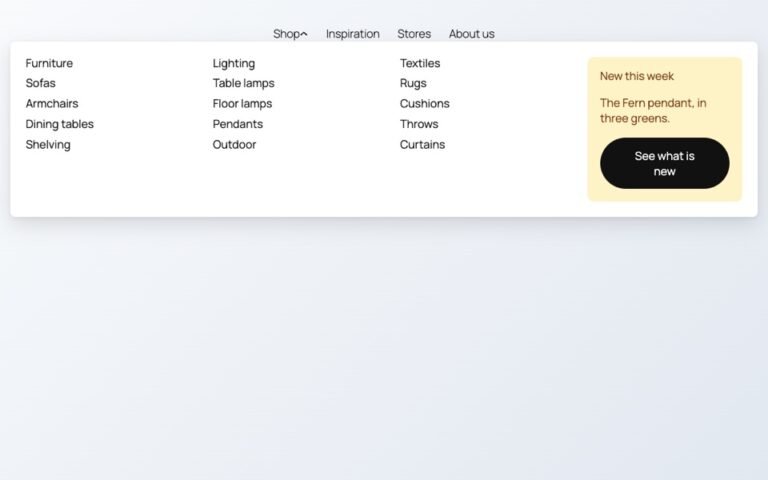
Block themes like Twenty Twenty-Five have no mega menu built in. Here is how to…
Read More
admin

Photos show one side of a product. A 3D model shows every side, and on…
Read More
admin
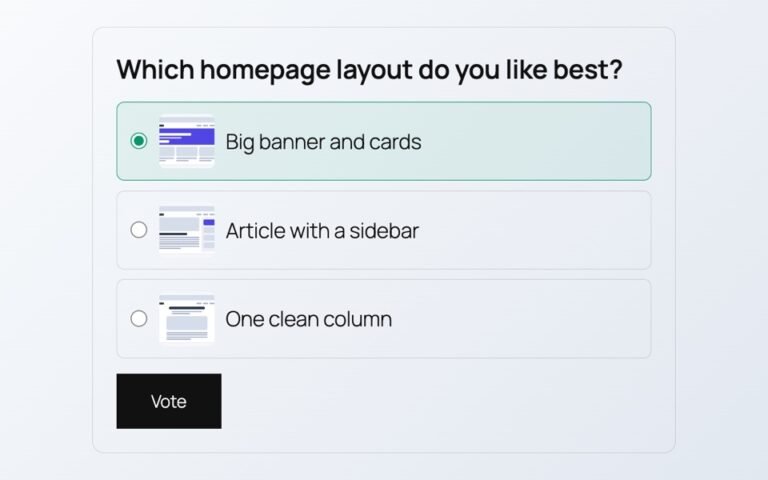
Polls from outside services add scripts, cookies and sign-ups. Here is a poll whose votes…
Read More
admin
A store map does not need a Google Cloud account or a billing card. Here…
Read More