
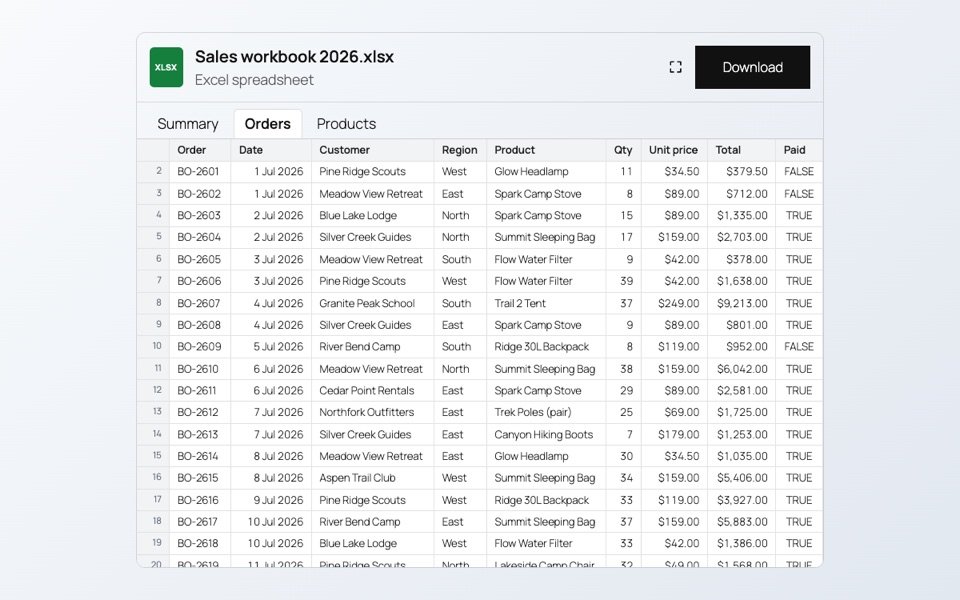
A price change across fifty products, or a stock count after a delivery, means a lot of clicks in WooCommerce. In a spreadsheet it is one paste.
How the sync works
SoftIcon Sheet Sync puts every product and every variation in a Google Sheet, one row each. Edit a cell and WooCommerce updates within seconds. Sell something, or change a product in WooCommerce, and the sheet updates too.
Set it up
- Install the free plugin and go to WooCommerce → Sheet Sync.
- Follow the wizard: create a Google service account, turn on the Sheets API and upload its key.
- Share your sheet with the service account email and paste the sheet URL.
- Send your products to the sheet.
- Paste the small Apps Script into the sheet and run it once, so edits in the sheet reach the store right away.
Checks before anything is saved
- Prices must be numbers, and a sale price must be lower than the regular price.
- Categories must already exist in WooCommerce.
- A Sync status column shows what was saved and why a value was refused.
The Sheet Sync documentation walks through every step of the setup.
Categories
Related Posts
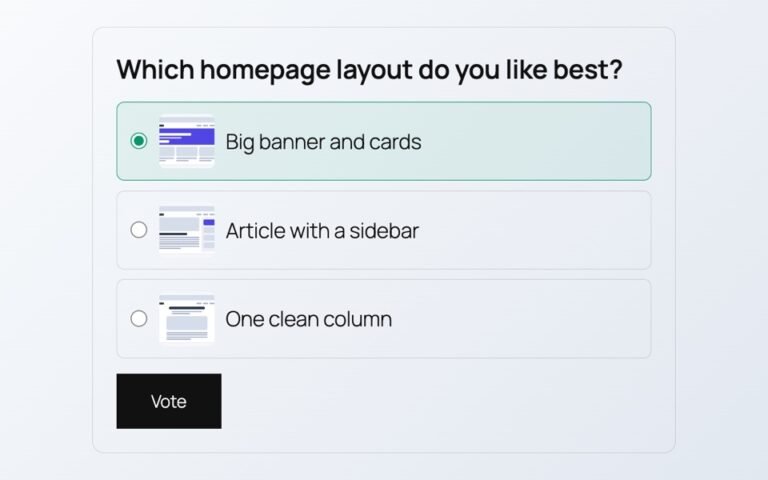
Polls from outside services add scripts, cookies and sign-ups. Here is a poll whose votes…
Read More
admin
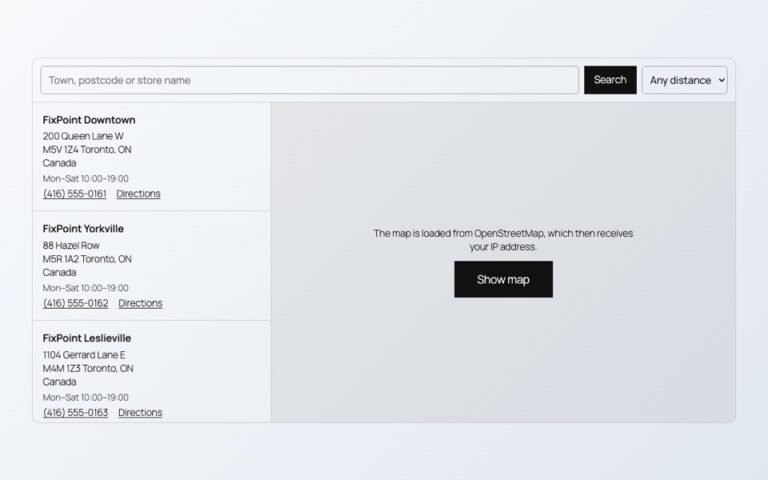
Maps, videos and document viewers are heavy. Loaded only when needed, they cost almost nothing…
Read More
admin

A landing page needs a hero, features, prices and answers. Ready-made sections give you all…
Read More
admin
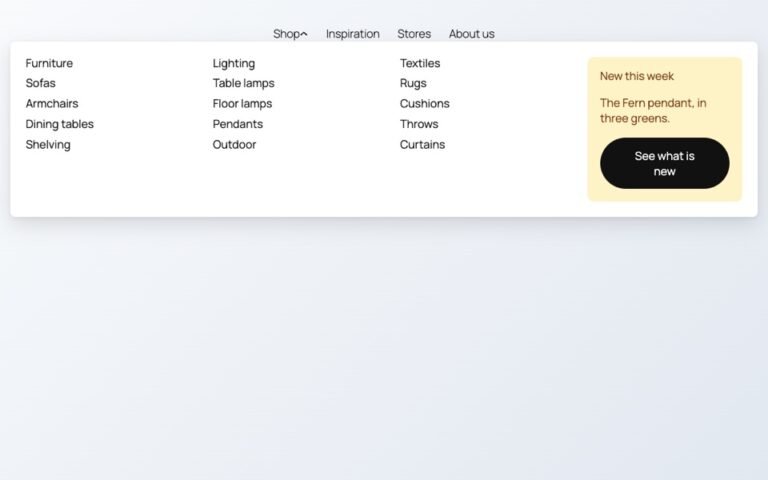
Block themes like Twenty Twenty-Five have no mega menu built in. Here is how to…
Read More
admin
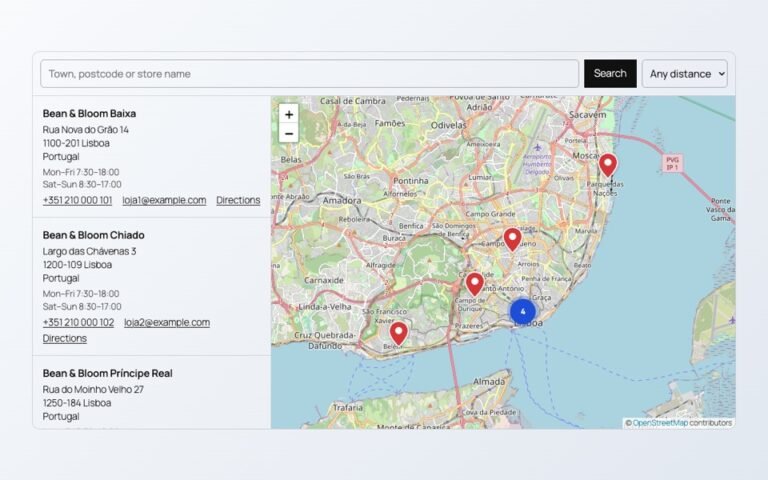
A store map does not need a Google Cloud account or a billing card. Here…
Read More
admin

Photos show one side of a product. A 3D model shows every side, and on…
Read More