
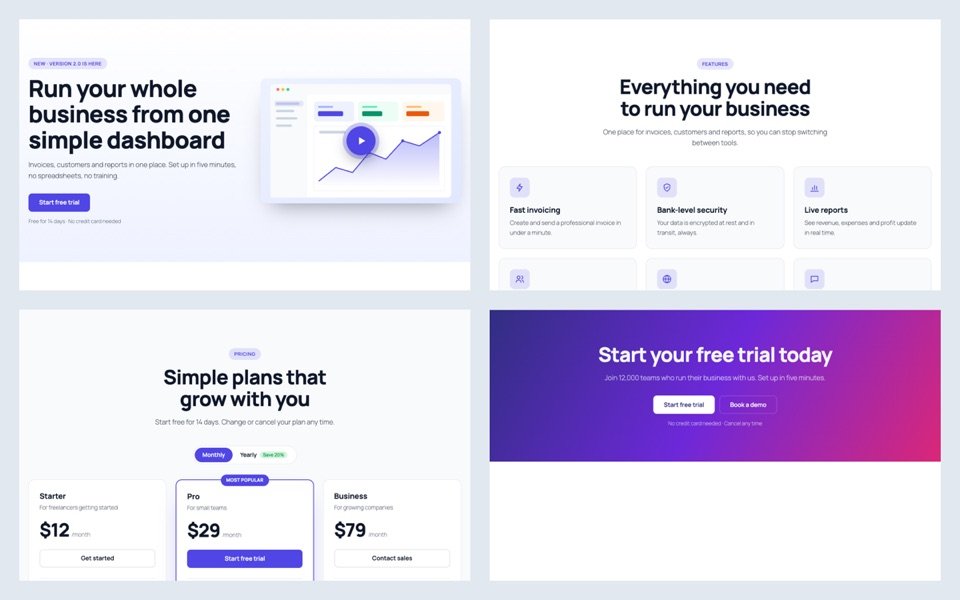
Building a landing page block by block takes an afternoon. Starting from finished sections takes minutes, because the layout, spacing and colors are already done.
Start from a whole page
- Install the free SoftIcon Ready-Made Template and activate it.
- Add the Ready-Made Template block. The template library opens.
- Click Page kits and hover a kit to scroll through it: SaaS, agency, restaurant, online course, podcast or event.
- Click Insert page. Each section becomes its own block.
- Click any text and type your own.
Video without another plugin
Hero sections can open a video in a popup, play a muted background video, or show an audio player. A YouTube video loads only after the visitor presses play.
Pricing and FAQ
- Pricing sections have a Monthly / Yearly switch. Fill in a yearly price and it appears.
- FAQ sections can add FAQ structured data, so search engines may show the questions in results.
Look at the SaaS page kit to see a whole page made this way.
Categories
Related Posts
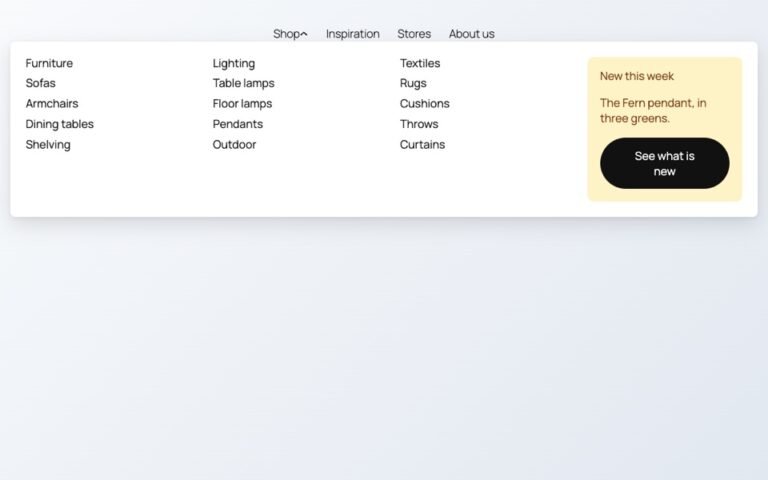
Block themes like Twenty Twenty-Five have no mega menu built in. Here is how to…
Read More
admin
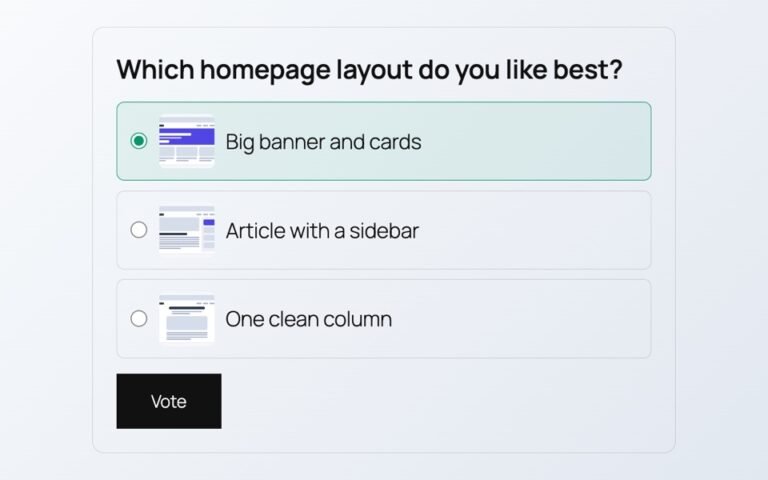
Polls from outside services add scripts, cookies and sign-ups. Here is a poll whose votes…
Read More
admin
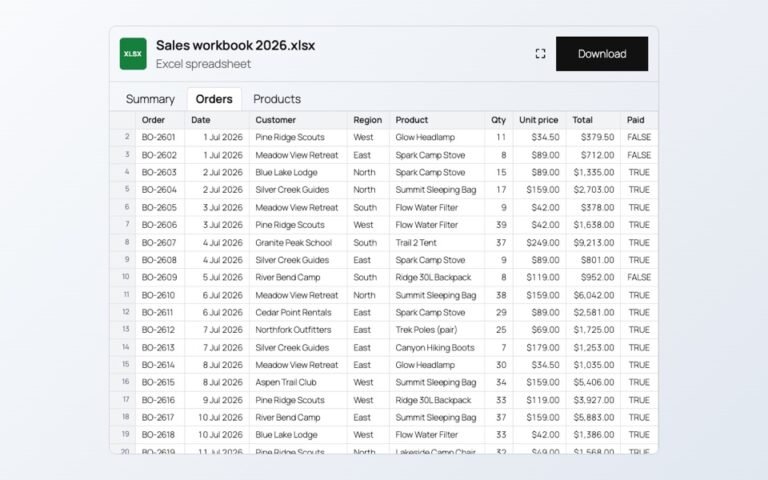
Changing prices one product at a time is slow. In a spreadsheet you can paste…
Read More
admin
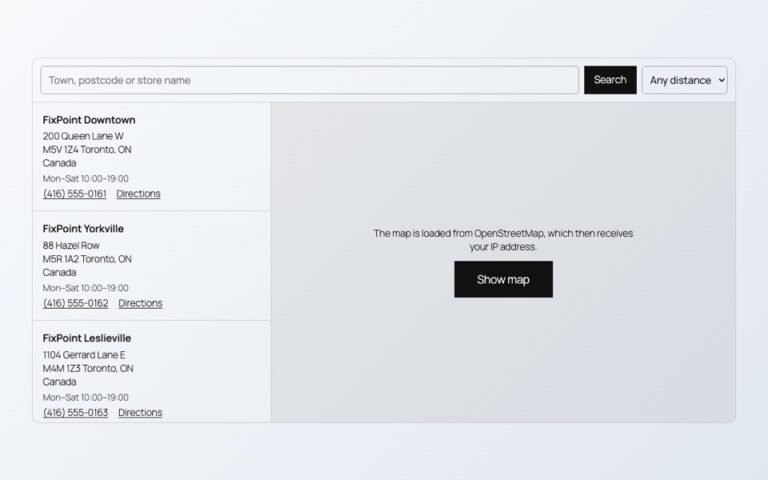
Maps, videos and document viewers are heavy. Loaded only when needed, they cost almost nothing…
Read More
admin

When an article ends, readers either leave or read on. A short list of related…
Read More
admin

Photos show one side of a product. A 3D model shows every side, and on…
Read More