
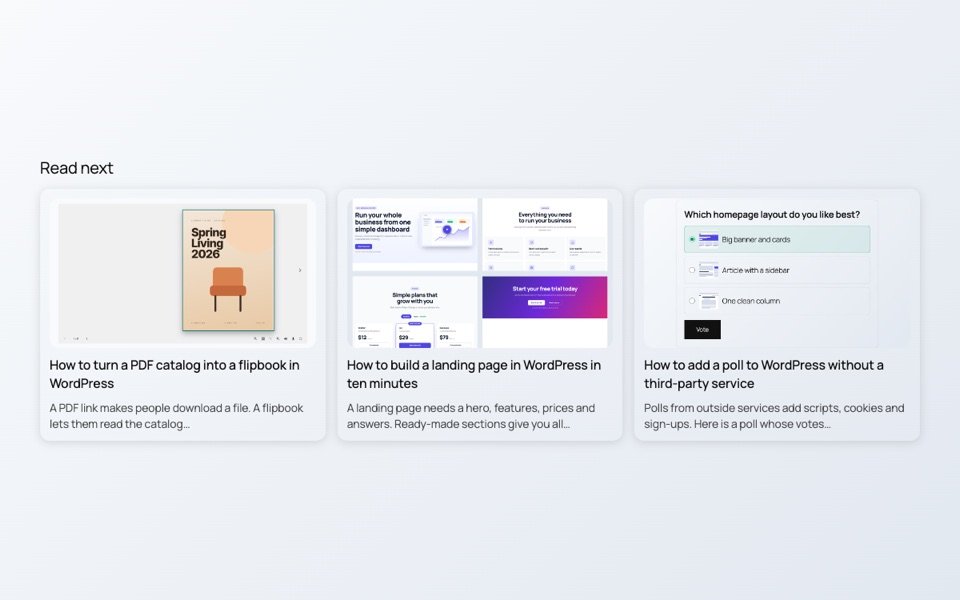
Someone who just finished an article is interested in the topic. If the next good article is right there, many will click it. If the page simply ends, most leave.
Why it matters
- More pages per visit. Readers find articles they would never have searched for.
- Internal links. Each related post is a link between two of your articles, which helps search engines see how your content connects.
- Old posts get read again. Good articles from last year show up next to new ones.
What makes a related post relevant
Shared tags say more than shared categories, because tags are usually more specific. A good list ranks posts by how many tags and categories they share with the article, and shows the closest match first.
Set it up
- Install the free SoftIcon Related Posts and activate it. Related posts appear under every post right away.
- Go to Related Posts → Settings and set Related by and Order by.
- Pick a layout: a grid with pictures, a list, or titles only.
The list under this article is made by the plugin. The posts in it share tags with this one.
Categories
Related Posts

A landing page needs a hero, features, prices and answers. Ready-made sections give you all…
Read More
admin
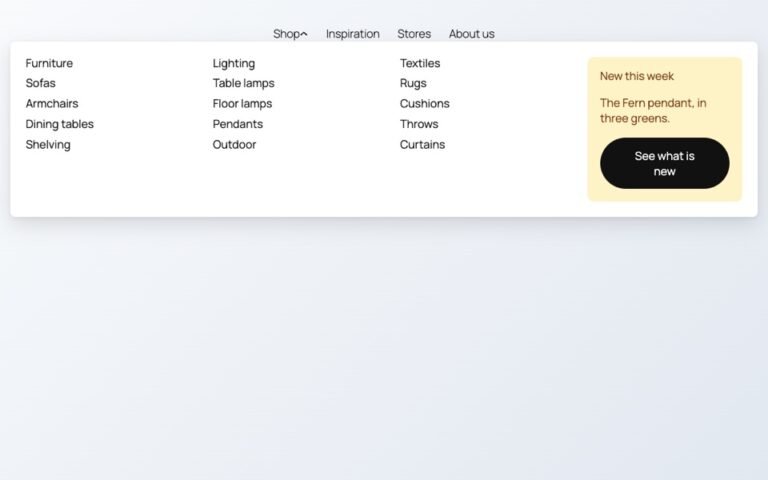
Block themes like Twenty Twenty-Five have no mega menu built in. Here is how to…
Read More
admin

Photos show one side of a product. A 3D model shows every side, and on…
Read More
admin
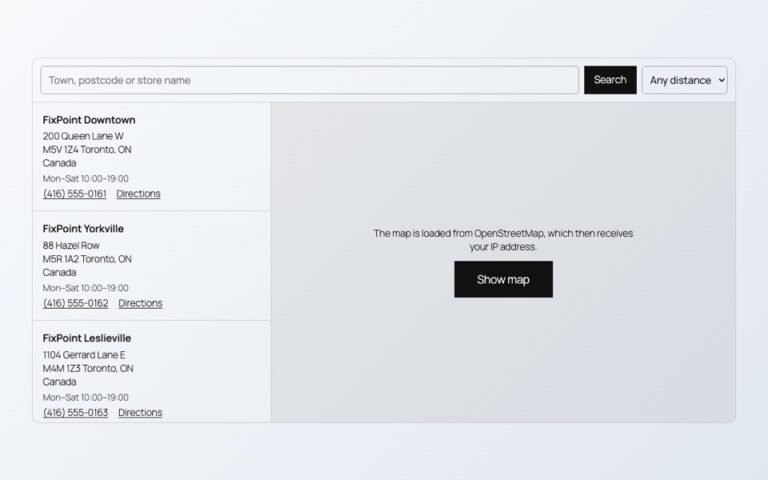
Maps, videos and document viewers are heavy. Loaded only when needed, they cost almost nothing…
Read More
admin
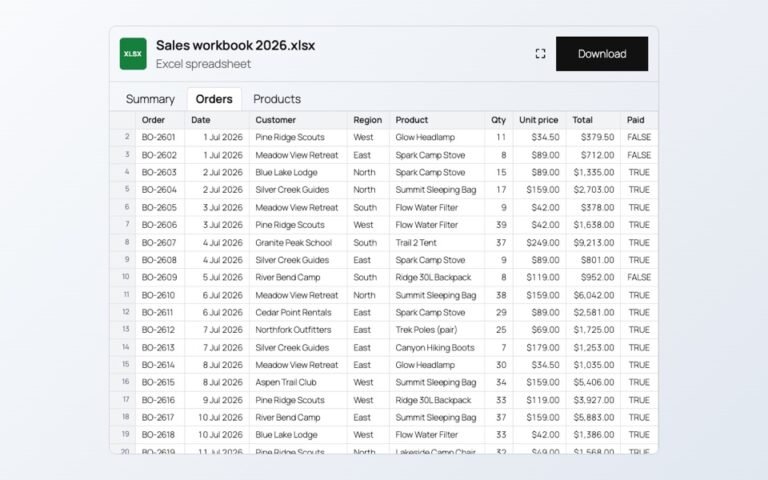
Changing prices one product at a time is slow. In a spreadsheet you can paste…
Read More
admin

Visitors should not need Office or a download to read a handbook or a price…
Read More