
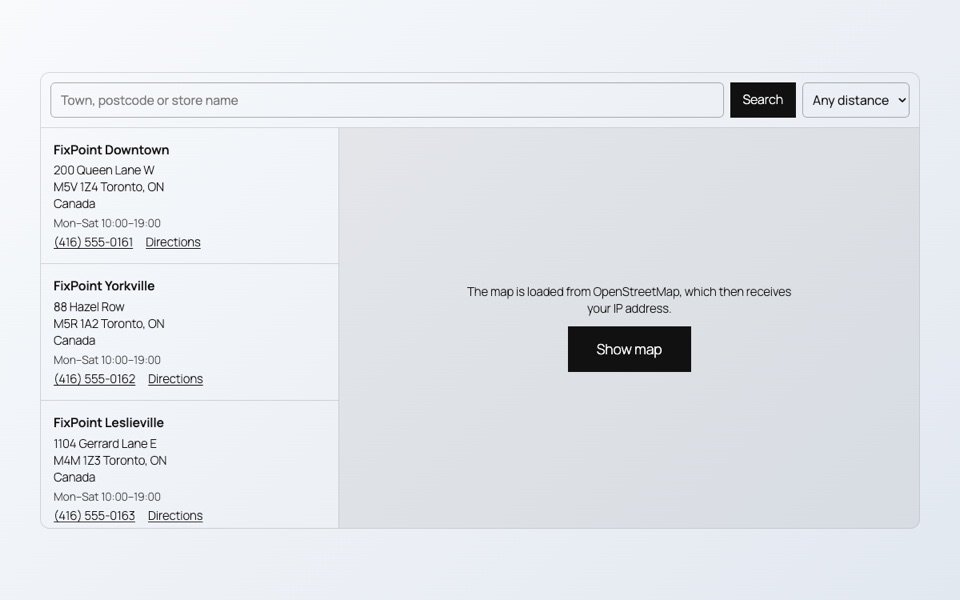
A page with a map, a video and a PDF can load several megabytes before the visitor scrolls at all. Most of it is never seen. The fix is simple: load each heavy part only when it is about to be used.
Maps
A map loads its library and many image tiles. With Load the map on click in SoftIcon Store Locator, the page shows the store list and a button, and the map loads only when the visitor asks for it.
Video
A YouTube player loads before anyone presses play. In Ready-Made Template sections, a video in a popup loads only after the play button is pressed, from the privacy-enhanced youtube-nocookie.com domain. Background videos load only when their section comes near the screen.
Documents
SoftIcon Document Viewer starts reading a PDF, Word or Excel file when the viewer scrolls into view, not when the page opens.
A quick check
- Open the page in a private window.
- Open the browser’s developer tools, Network tab, and reload.
- Look at what loads before you scroll. Maps, players and big files should not be on that list.
Categories
Related Posts

Visitors should not need Office or a download to read a handbook or a price…
Read More
admin
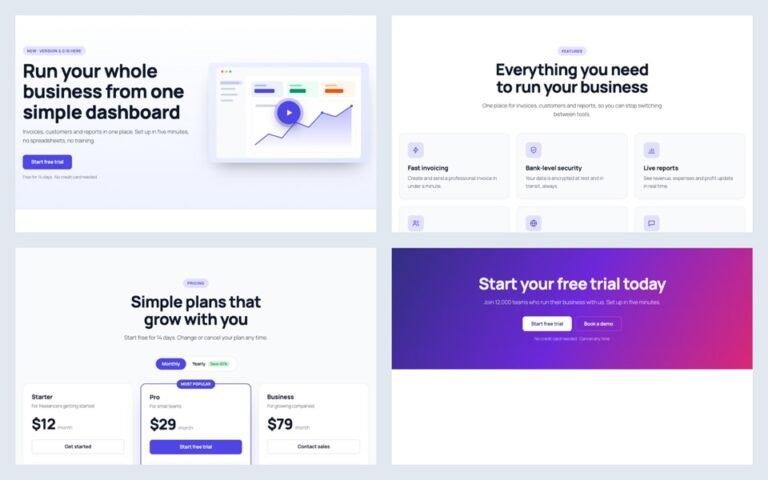
A landing page needs a hero, features, prices and answers. Ready-made sections give you all…
Read More
admin
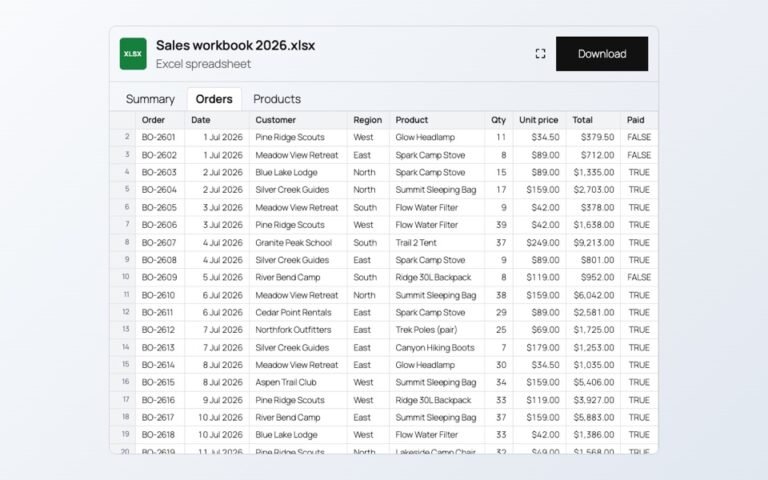
Changing prices one product at a time is slow. In a spreadsheet you can paste…
Read More
admin

A PDF link makes people download a file. A flipbook lets them read the catalog…
Read More
admin
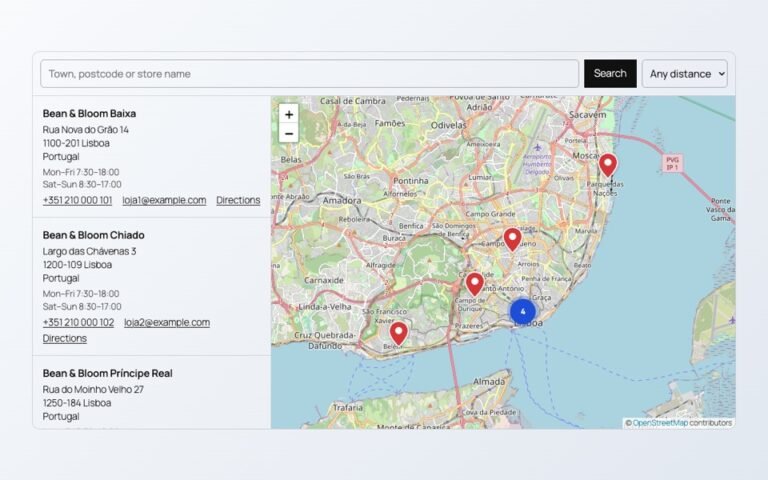
A store map does not need a Google Cloud account or a billing card. Here…
Read More
admin
Polls from outside services add scripts, cookies and sign-ups. Here is a poll whose votes…
Read More