
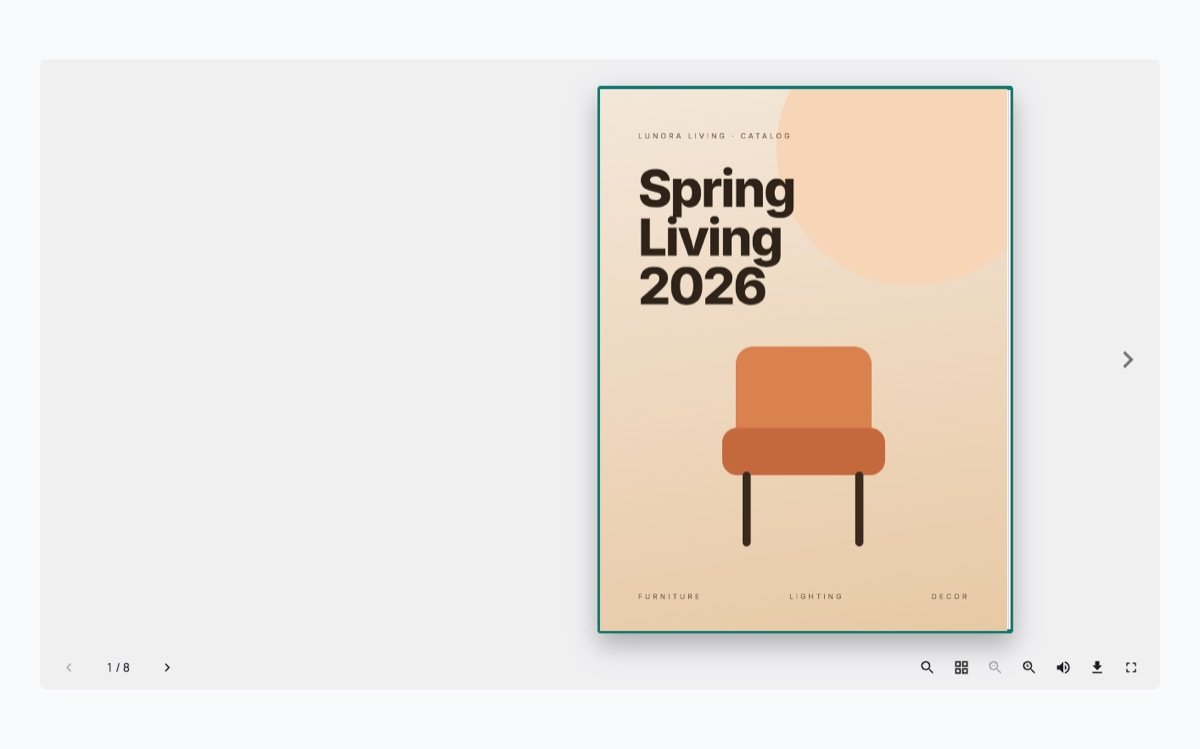
Most shops and restaurants put their catalog or menu online as a PDF link. Visitors click it, the file downloads or opens in a new tab, and many never come back to the site. A flipbook shows the same PDF as a book on the page, with pages that turn, so people stay where they are.
What you need
- The catalog as a PDF. The file you send to the printer is fine.
- WordPress with the block editor.
- The free SoftIcon Flipbook plugin.
Set it up
- Install SoftIcon Flipbook from Plugins → Add New and activate it.
- Edit the page and add the Flipbook block.
- Upload the PDF or pick it from the Media Library. The book shows in the editor right away.
- Pick a design: Classic for light, curling pages, or Hardcover for a solid cover with a spine.
- Publish the page.
A few choices that help
- Popup from the cover. Show only the cover on the page and open the book in a popup. It takes almost no room in a blog post.
- One page at a time. Tall documents and step-by-step guides read better as single pages.
- Height. Set the book height so the whole spread fits on a laptop screen without scrolling.
You can try each of these on the Flipbook demos page before you install anything.
Categories
Related Posts

When an article ends, readers either leave or read on. A short list of related…
Read More
admin
A store map does not need a Google Cloud account or a billing card. Here…
Read More
admin
A landing page needs a hero, features, prices and answers. Ready-made sections give you all…
Read More
admin
Changing prices one product at a time is slow. In a spreadsheet you can paste…
Read More
admin
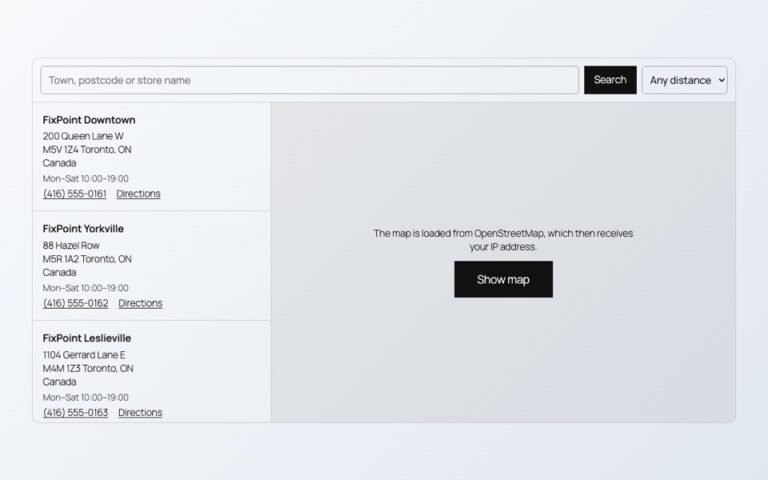
Maps, videos and document viewers are heavy. Loaded only when needed, they cost almost nothing…
Read More
admin
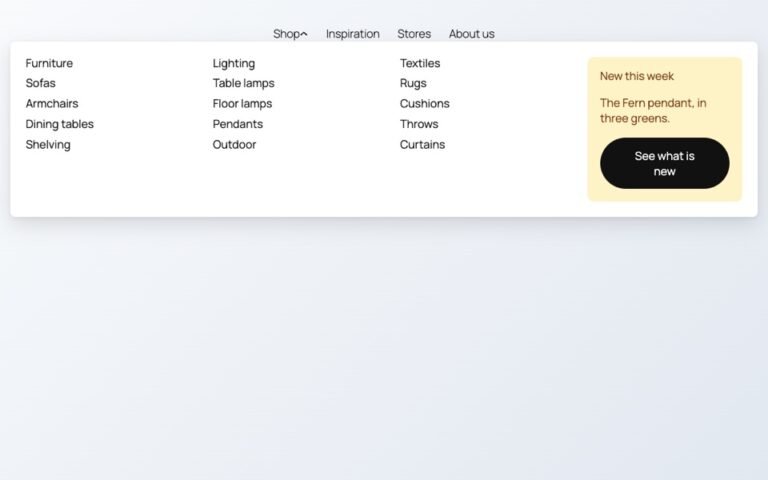
Block themes like Twenty Twenty-Five have no mega menu built in. Here is how to…
Read More