
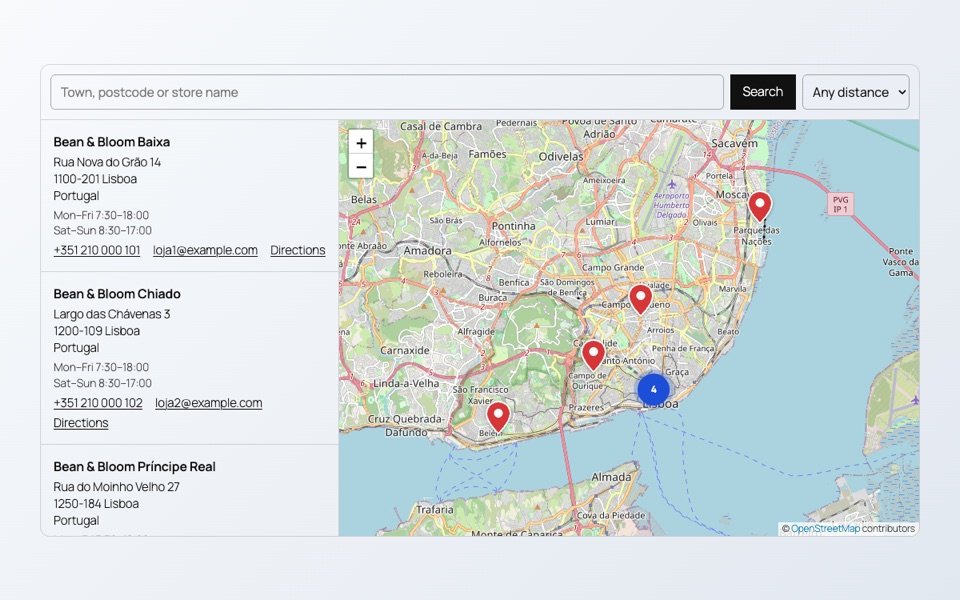
Many store locator plugins ask for a Google Maps API key, and with it a Google Cloud account and a payment card. For a list of shops, cafés or dealers you do not need any of that.
Build the store locator
- Install the free SoftIcon Store Locator and activate it.
- Add the Store Locator block to your stores page.
- Add your stores one by one, or click Import stores from CSV and pick a spreadsheet you saved as CSV.
- Write the opening hours, phone number and website for each store.
- Publish.
The map uses OpenStreetMap, so there is no key to set up. Visitors can search a town or postcode, press Near me, and open directions in Google Maps, Apple Maps or OpenStreetMap.
Miles or kilometres
Set the distance unit and a starting search radius, for example 25 miles. When no store is within the radius, the three nearest are shown, so a search never ends empty.
Keep the page fast
Turn on Load the map on click and the map loads only when the visitor asks for it. Nothing is fetched from the tile server before that, which also helps with privacy rules in some countries.
See a coffee chain and a dealer map across Europe on the demo pages.
Categories
Related Posts
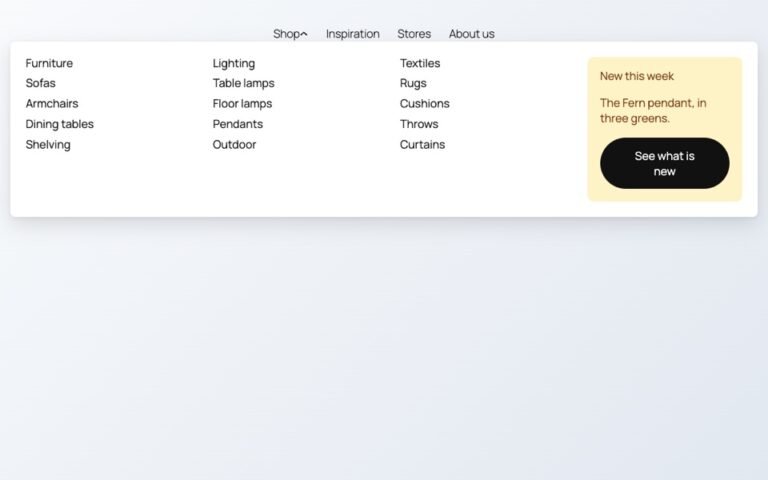
Block themes like Twenty Twenty-Five have no mega menu built in. Here is how to…
Read More
admin
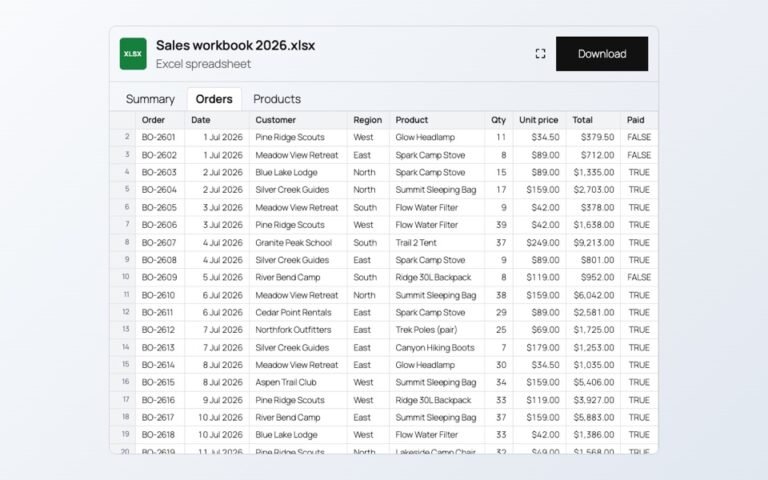
Changing prices one product at a time is slow. In a spreadsheet you can paste…
Read More
admin
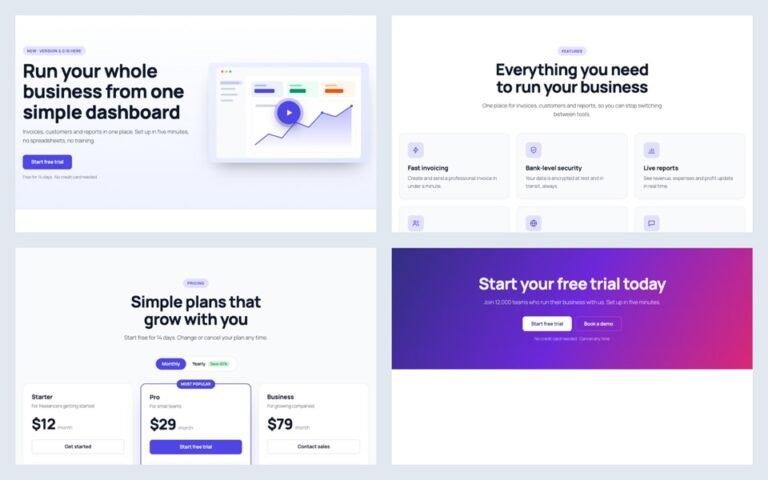
A landing page needs a hero, features, prices and answers. Ready-made sections give you all…
Read More
admin

A PDF link makes people download a file. A flipbook lets them read the catalog…
Read More
admin

When an article ends, readers either leave or read on. A short list of related…
Read More
admin

Visitors should not need Office or a download to read a handbook or a price…
Read More