
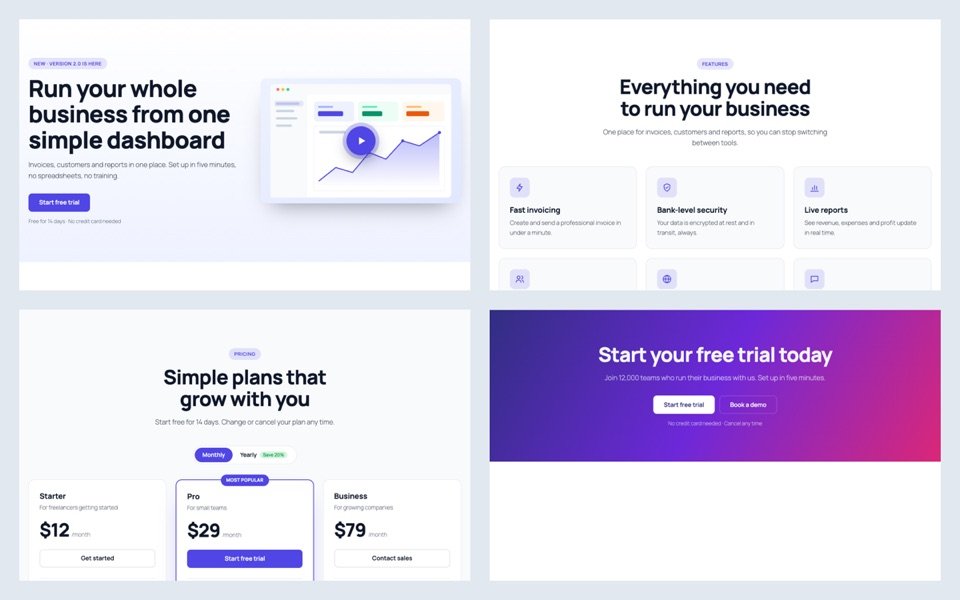
Building a landing page block by block takes an afternoon. Starting from finished sections takes minutes, because the layout, spacing and colors are already done.
Start from a whole page
- Install the free SoftIcon Ready-Made Template and activate it.
- Add the Ready-Made Template block. The template library opens.
- Click Page kits and hover a kit to scroll through it: SaaS, agency, restaurant, online course, podcast or event.
- Click Insert page. Each section becomes its own block.
- Click any text and type your own.
Video without another plugin
Hero sections can open a video in a popup, play a muted background video, or show an audio player. A YouTube video loads only after the visitor presses play.
Pricing and FAQ
- Pricing sections have a Monthly / Yearly switch. Fill in a yearly price and it appears.
- FAQ sections can add FAQ structured data, so search engines may show the questions in results.
Look at the SaaS page kit to see a whole page made this way.
Categories
Related Posts

When an article ends, readers either leave or read on. A short list of related…
Read More
admin
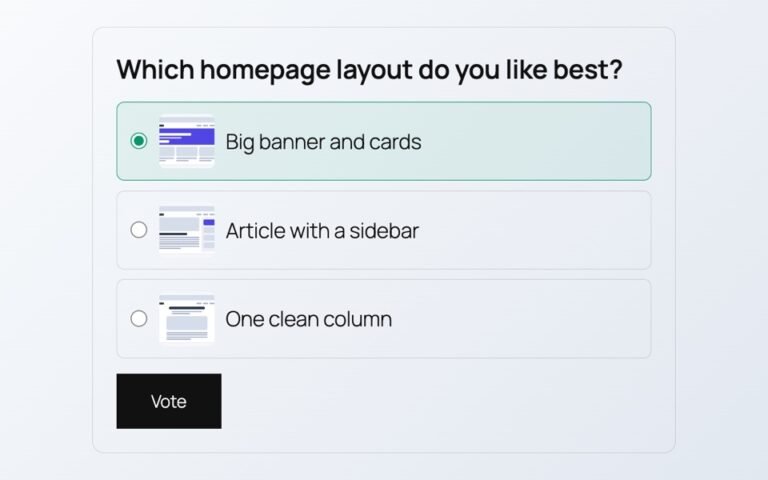
Polls from outside services add scripts, cookies and sign-ups. Here is a poll whose votes…
Read More
admin

Visitors should not need Office or a download to read a handbook or a price…
Read More
admin
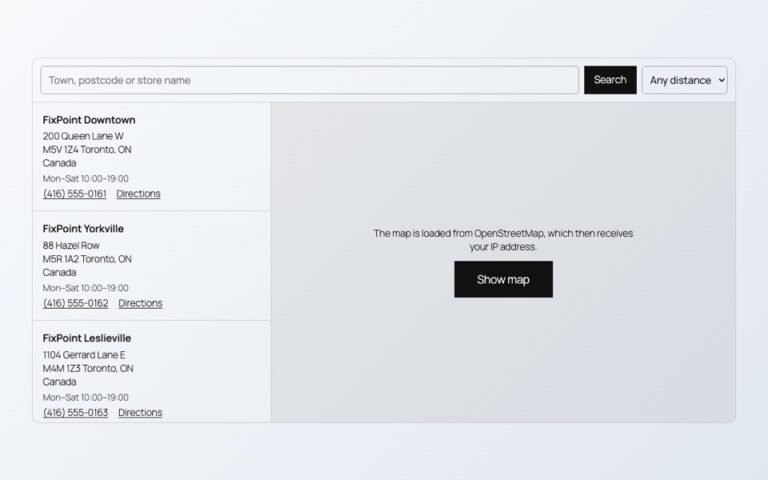
Maps, videos and document viewers are heavy. Loaded only when needed, they cost almost nothing…
Read More
admin

A PDF link makes people download a file. A flipbook lets them read the catalog…
Read More
admin

Photos show one side of a product. A 3D model shows every side, and on…
Read More