
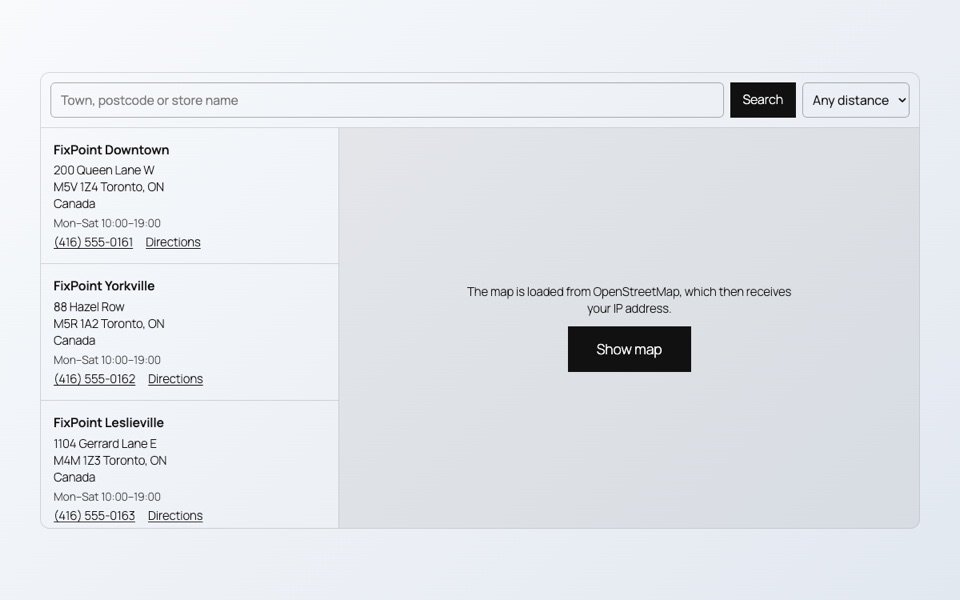
A page with a map, a video and a PDF can load several megabytes before the visitor scrolls at all. Most of it is never seen. The fix is simple: load each heavy part only when it is about to be used.
Maps
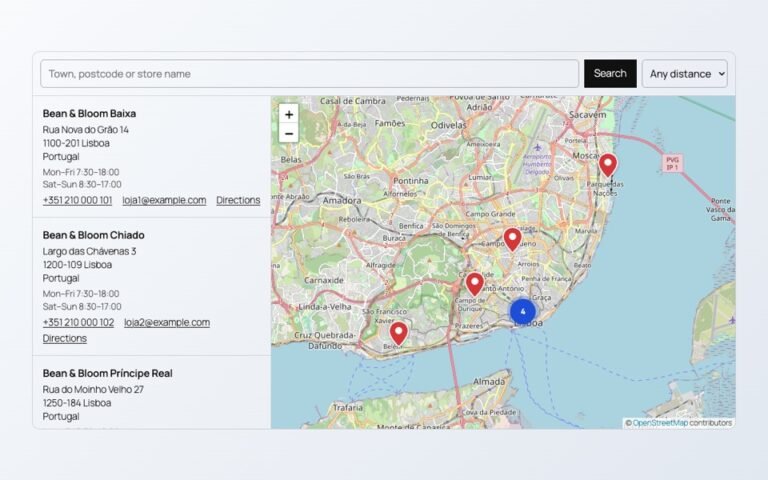
A map loads its library and many image tiles. With Load the map on click in SoftIcon Store Locator, the page shows the store list and a button, and the map loads only when the visitor asks for it.
Video
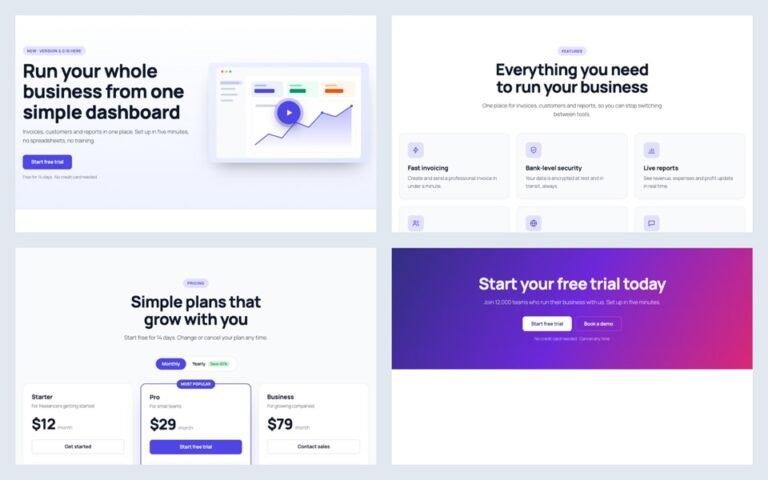
A YouTube player loads before anyone presses play. In Ready-Made Template sections, a video in a popup loads only after the play button is pressed, from the privacy-enhanced youtube-nocookie.com domain. Background videos load only when their section comes near the screen.
Documents
SoftIcon Document Viewer starts reading a PDF, Word or Excel file when the viewer scrolls into view, not when the page opens.
A quick check
- Open the page in a private window.
- Open the browser’s developer tools, Network tab, and reload.
- Look at what loads before you scroll. Maps, players and big files should not be on that list.
Categories
Related Posts

When an article ends, readers either leave or read on. A short list of related…
Read More
admin
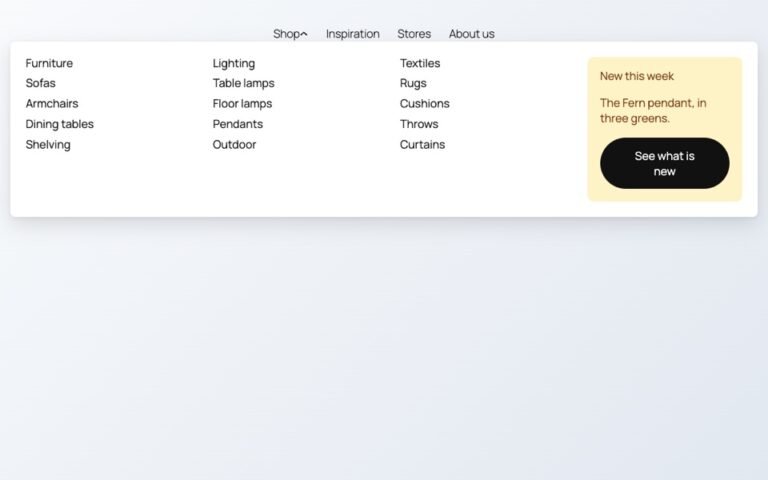
Block themes like Twenty Twenty-Five have no mega menu built in. Here is how to…
Read More
admin
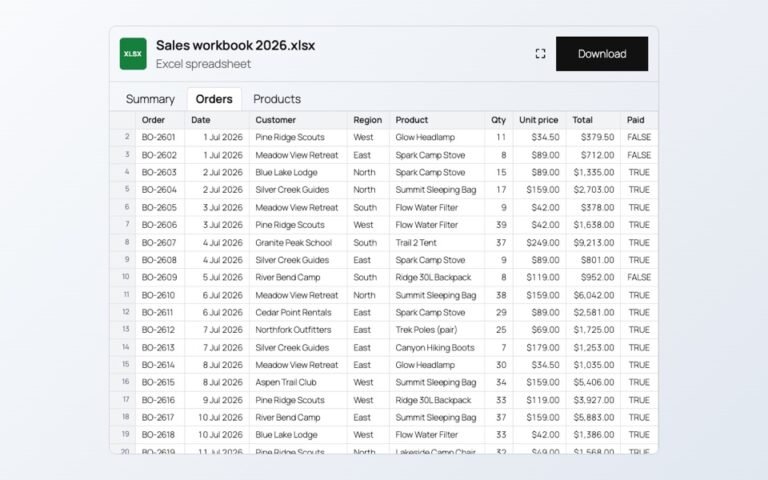
Changing prices one product at a time is slow. In a spreadsheet you can paste…
Read More
admin
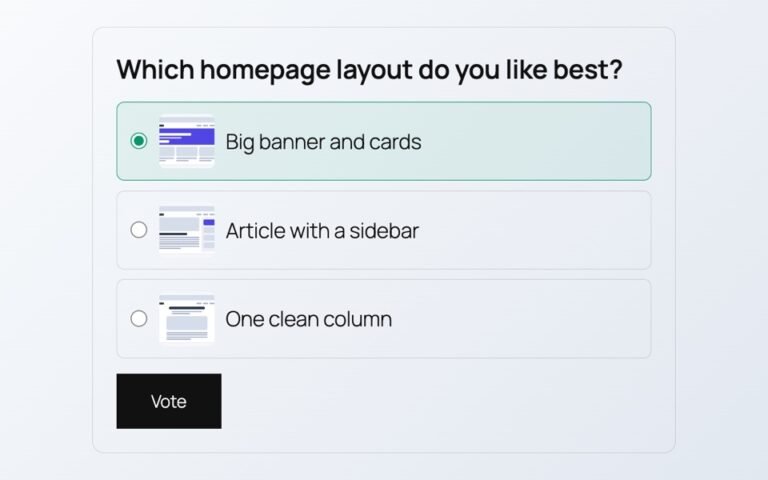
Polls from outside services add scripts, cookies and sign-ups. Here is a poll whose votes…
Read More
admin
A store map does not need a Google Cloud account or a billing card. Here…
Read More
admin
A landing page needs a hero, features, prices and answers. Ready-made sections give you all…
Read More