
Ask visitors before the map is loaded from OpenStreetMap, for privacy laws such as the GDPR.
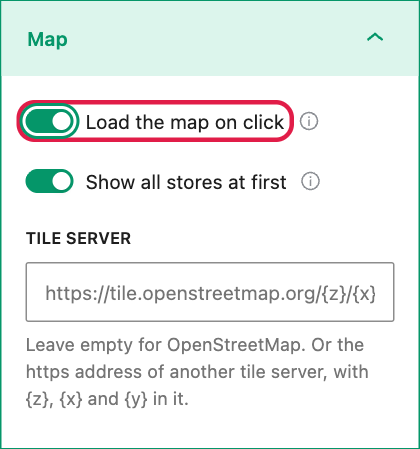
- Select the block and open the Map panel.
- Turn on Load the map on click.
- For no outside request at all from the search, open the Search panel and turn off Look up other places.
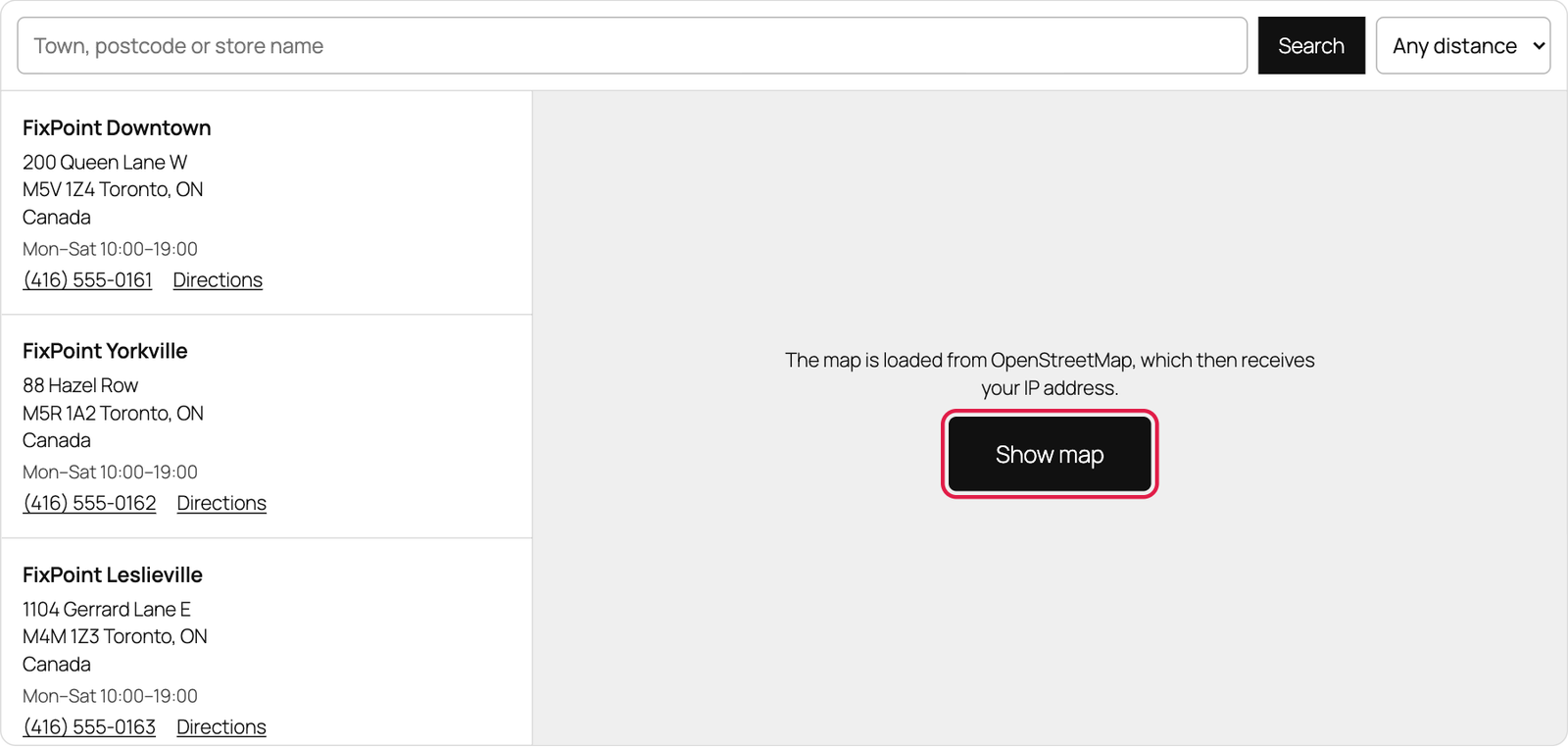
Visitors first see a short note, “The map is loaded from OpenStreetMap, which then receives your IP address.”, and a Show map button. Nothing is loaded from the map server before they press it. The store list and the search in your list work straight away.
Good to know
- The editor always shows the map, so you can still place your stores.
- The choice is not remembered: each page load asks again. The plugin sets no cookies.
- Near me uses the location the browser gives and never sends it anywhere. Directions links send nothing until they are clicked.
- Mention OpenStreetMap in your privacy policy. The plugin’s readme lists every outside service it uses.