

Furniture, lamps, shoes and gadgets are hard to judge from a few photos. With a 3D model, shoppers turn the product, zoom into the material and, on most phones, place it in their own room before they buy.
What you need
- A 3D model of the product in GLB format. Many 3D apps and scanning apps can export it.
- The free SoftIcon 3D Model Viewer plugin.
Add a model to a page
- Install the plugin and activate it.
- Add the 3D Model Viewer block and upload the GLB file.
- Write a short Alternative text, for example “Oak armchair with a grey seat”.
- Publish.
Visitors can now drag to rotate and scroll or pinch to zoom. On a phone or tablet with augmented reality, a View in your room button places the model in their space.
Point out the details
Hotspots are points on the model with a label and a short text. Use them for materials, sizes or features, like “Solid wood legs”.
In WooCommerce
The plugin can also show the model on the product page. See the documentation for the WooCommerce steps, and try the hotspots demo.
Categories
Related Posts

A landing page needs a hero, features, prices and answers. Ready-made sections give you all…
Read More
admin
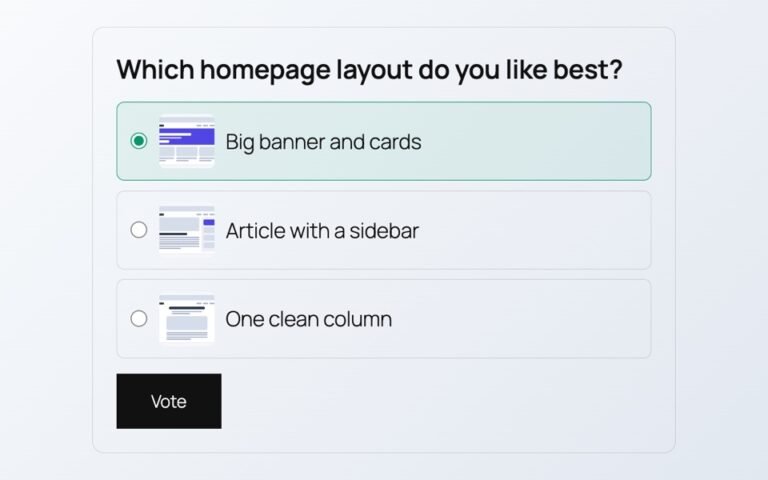
Polls from outside services add scripts, cookies and sign-ups. Here is a poll whose votes…
Read More
admin
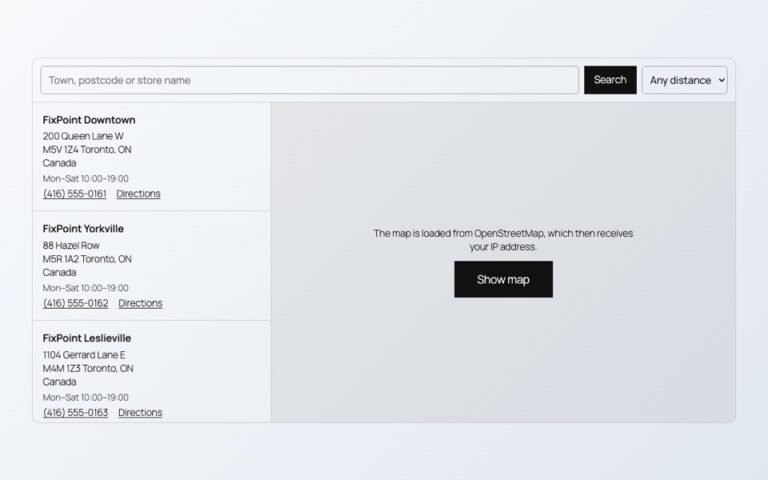
Maps, videos and document viewers are heavy. Loaded only when needed, they cost almost nothing…
Read More
admin

When an article ends, readers either leave or read on. A short list of related…
Read More
admin
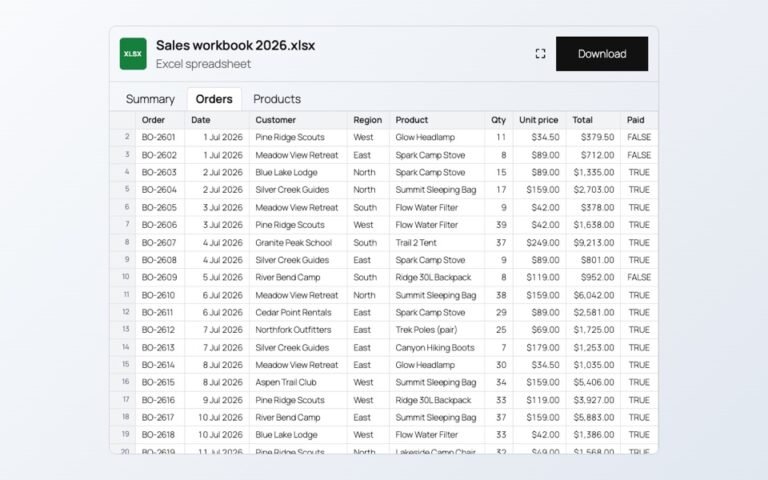
Changing prices one product at a time is slow. In a spreadsheet you can paste…
Read More
admin

A PDF link makes people download a file. A flipbook lets them read the catalog…
Read More