

A price list in Excel, a handbook in Word, a report as a PDF: when they are only links, visitors on a phone often cannot open them. Showing the file on the page fixes that, and you keep one file to update.
Show the file on the page
- Install the free SoftIcon Document Viewer and activate it.
- Add the Document Viewer block and upload the file: PDF, DOCX, XLSX or CSV.
- Turn on Fixed height for long files, so the page does not get very tall.
- Publish.
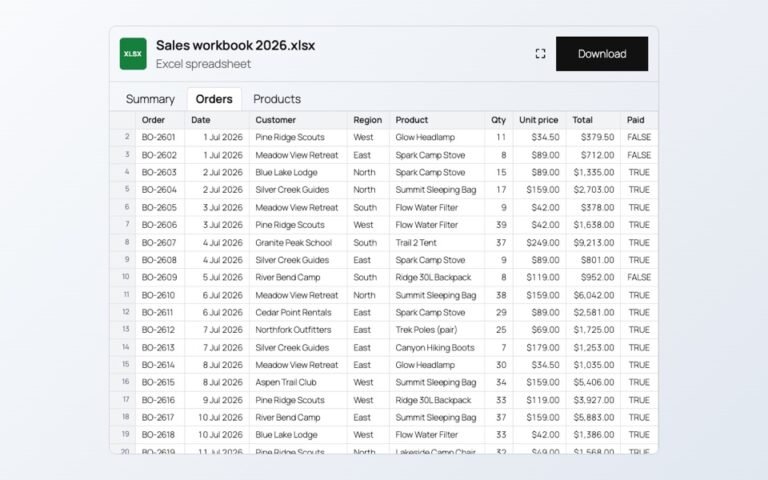
Word files keep their headings, lists, tables, pictures, header and footer. Spreadsheets keep their number and date formats, and each sheet becomes a tab.
Show only part of a spreadsheet
If the workbook has notes or totals you do not want on the page, pick the sheet under Sheet shown first and write the cells in Cells to show, for example A4:F13. The file itself stays complete for your team.
Keep the download, or turn it off
The toolbar has zoom, fullscreen and download buttons. Turn off the download button when the page should be the only place people read the file.
See a Word handbook and an Excel workbook working on the demo pages.
Categories
Related Posts

When an article ends, readers either leave or read on. A short list of related…
Read More
admin
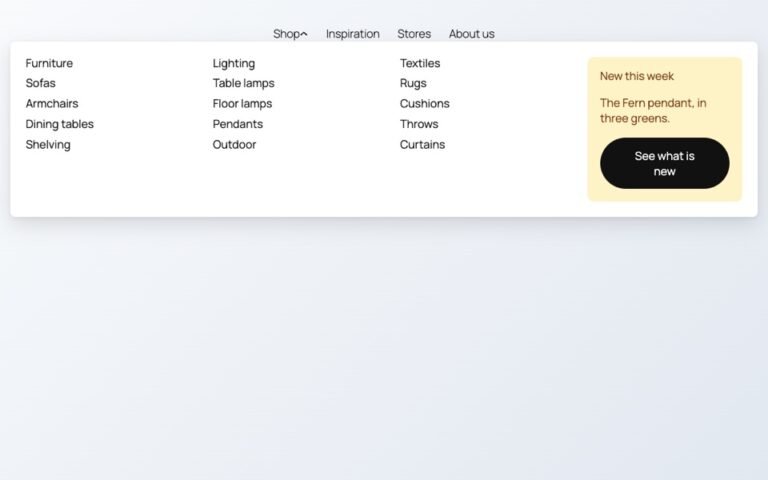
Block themes like Twenty Twenty-Five have no mega menu built in. Here is how to…
Read More
admin
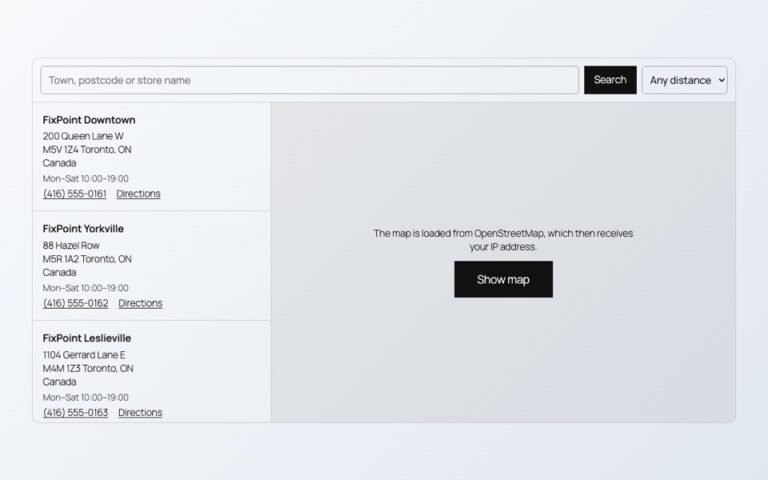
Maps, videos and document viewers are heavy. Loaded only when needed, they cost almost nothing…
Read More
admin

Photos show one side of a product. A 3D model shows every side, and on…
Read More
admin
Changing prices one product at a time is slow. In a spreadsheet you can paste…
Read More
admin
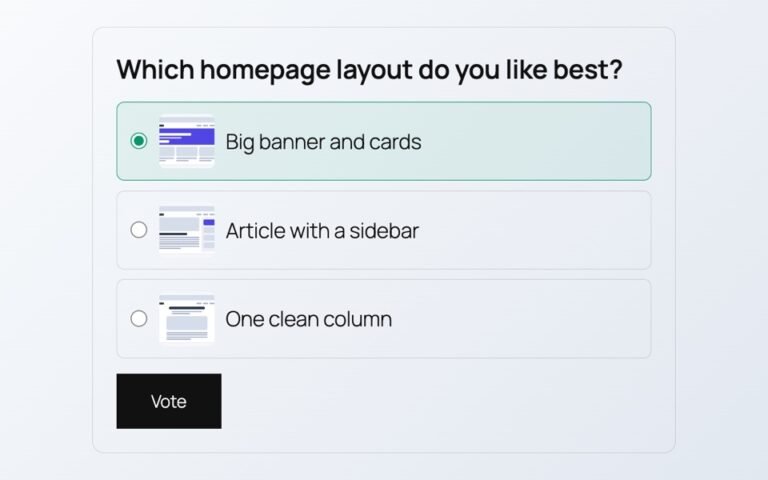
Polls from outside services add scripts, cookies and sign-ups. Here is a poll whose votes…
Read More